
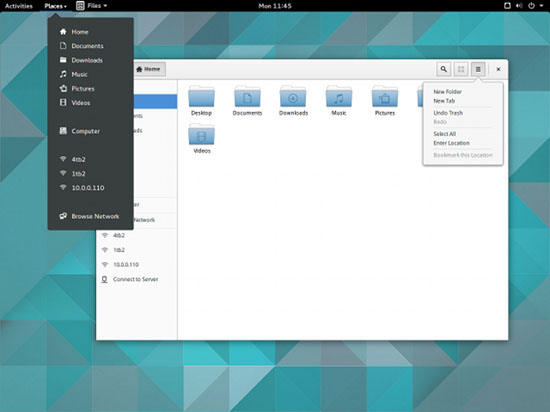
You might wonder why you should care about lightweight Linux distributions in the era of multicore processors and inexpensive RAM. Basically, there are three points that make lightweight distros important: 1) They can revive old hardware, bringing new life into it; 2) They can power modern, but low-power systems such as Raspberry Pi; and 3) They can run on the most powerful modern hardware, reserving resources for users instead of consuming them themselves.
Here are some handpicked Linux distros, suitable for any of the three use cases mentioned above. Other “lightweight”’ distros have been omitted as the focus here is on easy-to-install distros that which can be used as full-blown systems. You can also see our 2017 guide to lightweight Linux distros.
1: Arch Linux
Those looking for lightweight distros may be better off with Arch Linux with a lightweight DE installed on it. Frankly, the question boils down to the desktop environment (DE) running on a system and how bloated the distro is itself.
Because Arch itself is bare minimum distro, there won’t be any bloat that comes with some distributions. There are many lightweight DEs available for Arch Linux; in fact, I would be surprised if a particular DE was not available for Arch. Some of the lightweight DEs suitable for Arch include i3, MATE, LXDE (LxQt), OpenBox, etc.
You can easily install multiple DEs on Arch to see which one works the best on your hardware. However, to keep your system optimized, remove what you don’t use and keep only what’s going to run on your system. Although everything sounds good for Arch; on the flip side, Arch could be harder to install; I have written a guide to assist users in getting started with Arch Linux.
2: Puppy Linux
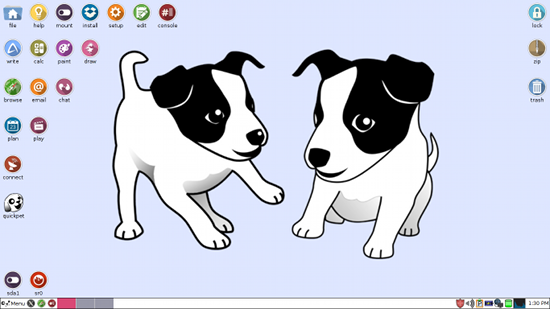
Puppy Linux is undoubtedly one of the lightest distros out there. It has also been around for more than a dozen years. Puppy can boot directly from the RAM and takes very little space, if you choose to install it. Additionally, if you want to run Puppy Linux from DVD, it can use the DVD as the storage device and, as you install programs or update the system, it will persistently write to the drive. So, once you have installed a program, it will remain on the DVD.
If you are using a USB, which I recommend, Puppy uses a better write-cache system to extend the limited life of USB drive. Puppy also comes with a decent set of lightweight applications such as AbiWord, MyPlayer, etc., so users can get started as soon as it’s booted.
Over time, Puppy has changed base from one distro to another. The latest version, Puppy 6, is based on Ubuntu 14.04 LTS, and as a result offers a longer shelf life.
3: Trisquel Mini
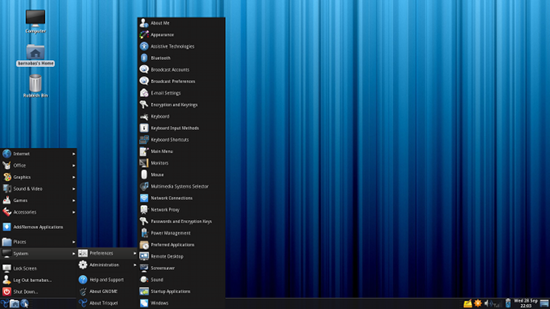
Trisquel Mini is another lightweight distribution that is based on Ubuntu Linux. It’s a sub-project of the Trisquel distribution and is aimed at low-powered PCs. The distro uses LXDE as the default desktop environment to keep it light. It comes with a decent set of applications including AbiWord, MPlayer, and Midori web browser.
Similar to its parent project, Trisquel Mini aims to offer only open source applications and comes without any non-free drivers, which may make it harder to run on hardware with proprietary chips for things like wireless. Because Trisquel Mini is based on Ubuntu, it won’t be hard to find non-free drivers for your hardware.
4: Ubuntu MATE + Linux Mint MATE
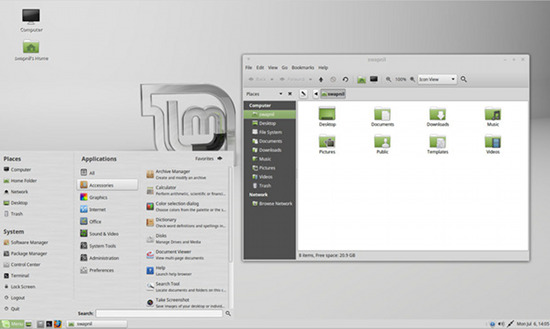
This is a tie. Ubuntu MATE is the newest contender in the list of lightweight distros after Martin Wimpress founded the project along with Canonical employee and Ubuntu developer Alan Pope. MATE was already well known to the world of lightweight DEs, thanks to Linux Mint. Although MATE (Linux Mint and Ubuntu) is certainly not as lightweight as Puppy, it falls in the category of those distros that reserve most system resources for applications instead of being a resource hog themselves.
Of all the lightweight distros, these two are the most polished. Linux Mint Mate is especially good looking, thanks to the Mint Menu and extra attention it receives from the Linux Mint team.
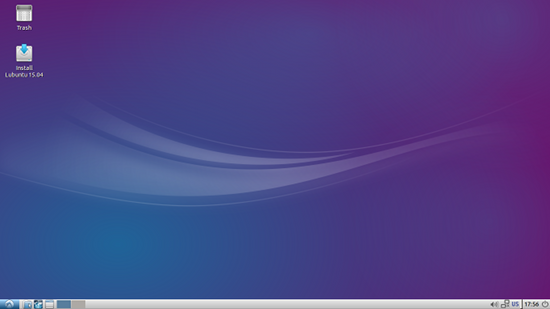
5: Lubuntu
Lubuntu is another lightweight distribution that is also an official flavor of Ubuntu Linux. It’s based on LXDE, which has merged with Razor-qt and is being developed as LXQt. As an official flavor of Ubuntu (like Ubuntu MATE), Lubuntu has access to all Canonical resources such as drivers, codecs, and PPAs.
I don’t have “really” old hardware on which to pit Lubuntu against MATE, but I found them both to be decent on my systems. However, I prefer Ubuntu/Linux Mint MATE over Lubuntu as the look and feel is more polished and modern.
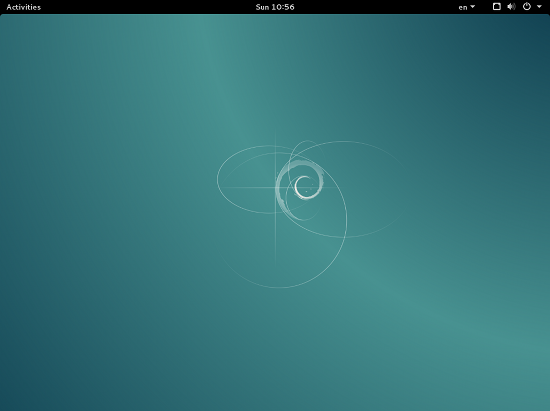
6: Debian
Debian, the mother of all Ubuntu-based distributions, doesn’t often make it to these kind of lists, but the fact is that Debian is a very lightweight distribution. Users can install a bare minimum system and then choose the lightweight DEs available for it, including Xfce4, MATE, LXDE, etc.
I have used Debian on older systems, where Ubuntu would not even boot.
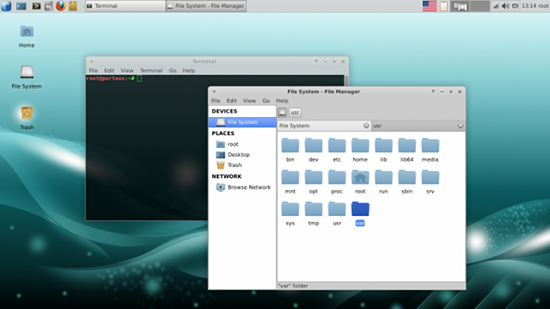
7: Porteus
Porteus is based on Slackware, and similar to Puppy Linux, is aimed at running from removable media such as DVD or USB drive. However it can also be installed like a regular distro. It supports all lightweight DEs including LXDE, KDE4, Razor-qt, MATE, and Xfce. Although it is based on Slackware — which can be hard to install — Porteus is targeted at less experienced users.
One of the biggest differences between Porteus and the other distros mentioned here is that, instead of installing packages, it uses a modular approach. It has pre-compiled packages called modules, which users can activate or deactivate simply by clicking on them. Because this happens quickly, the overall distribution appears to be blazing fast.
Conclusion
These are just a few of the many lightweight distributions available; you can find hundreds on DistroWatch, for example. I have picked the ones that enjoy some stability, thanks to the communities backing these projects. This offers some assurance that the distro won’t disappear next year, which can happen with less-used, niche distros. The distributions mentioned here also meet the criterion of being easy to install (except for Arch Linux, which I use as a my primary distro). For this reason, I didn’t add Gentoo to the list; you have to compile everything, and that can be discouraging for a new user. The same is true for Tiny Core Linux.
So, which of these distros do you use? Do you have any tips to make them even lighter? Share your thoughts in the comments below.
(See also Carla Schroder’s picks — updated Feb 2016.)
 Valve is making some hard choice for SteamOS, and it looks like they are having some issues with the support for various components. In this case, it’s about the support for suspend, which is not all that good, forcing them to drop it from the operating system.
 FreeBSD, an operating system for x86, ARM, IA-64, PowerPC, PC-98, and UltraSPARC architectures, has been upgraded to version 10.2, which brings this development cycle to an end.