 In honor of the 10-year anniversary of the Git revision control system this month, we talked to project leaders from eight open source projects as well as the tool’s creator, Linus Torvalds. These hard-core Git users told us how and why they use the tool for open source software development, along with their favorite tips for using it like a pro. Below are their answers, combined into a handy list of hacks. Keep in mind that these tips aren’t necessarily the only way to accomplish a given task, as Torvalds points out in his recent interview for the 10th anniversary. But they’re the features and methods that project leaders have found most useful through the years.
“You can do a lot of things with git, and many of the rules of what you *should* do are not so much technical limitations but are about what works well when working together with other people,” Torvalds said. “So git is a very powerful set of tools, and that can not only be overwhelming at first, it also means that you can often do the same (or similar) things different ways, and they all “work.”
1. Use Aliases
Paolo Bonzini, a principal software engineer at Red Hat, QEMU contributor and maintainer of KVM:
I have several “aliases” that simplify some git tasks. Here are the simplest of them:
changes = diff –name-status -r
diffstat = diff –stat -r
whatis = show -s –pretty=’tformat:%h (%s, %ad)’ –date=short
pwhatis = show -s –pretty=’tformat:%h, %s, %ad’ –date=short
The two “-r” haven’t been necessary for several years, but those two aliases are 8 years old and I’ve never bothered to update them! The “changes” name comes from Arch, a distributed version control system from which I switched to git.
“whatis” and “pwhatis” convert a commit id to a format that can be pasted in an email. “pwhatis” is for pasting inside parentheses, “whatis” works outside parentheses. When discussing a patch it helps a lot to refer to past commits, and it’s good to use a consistent format (id, subject, date).
2. –patch
Thiago Macieira, Qt Project core maintainer and software architect at Intel
The –patch options to git add, git checkout and git reset.
3. Magit for Emacs users
Alexandre Julliard, Wine Maintainer
It’s not for everybody, but for Emacs users, I strongly recommend Magit.
I wrote the original git.el Emacs front-end, and used that for a few years, but it was never very good. I’m glad that people smarter than me have now tackled the problem, and Magit does a great job of making the full power of git accessible from Emacs.
4. Git describe
Michael Stahnke, director of engineering services at Puppet Labs:
Version your projects using `git describe`. If you use tags, you can use ‘git describe’ to version things when doing scratch builds. We do this on nearly all of our projects in our build pipelines. It takes the guess work out of the build process and unlike just using a raw sha, it sorts properly.
5. Squash commits
Nick Mathewson, Tor Director and Chief Architect:
I’ve attached a script I use to squash git commits without rebasing them. This makes the squash commits happen, but prevents (most) rebase conflicts.
6. Use autocorrect
Angie Byron, Drupal core committer and director of community development at Acquia:
I am absolutely not a pro-Git user, so my favorite pro tip is:
git config –global help.autocorrect 3
…because I am a total butterfingers and always mis-typing commands, like ‘git pusj’. This trick makes Git just do what you meant, not what you said. 🙂
7. Reorder and combine commits
Sage Weil, Ceph Creator and principal architect at Red Hat:
The combination git gui’s ability to quickly stage and unstage lines or hunks into a commit and git rebase -i’s ability to reorder and combine commits is invaluable. This allows you to work with the history as a series of patches and rearrange the content of those patches into a clean history for submission upstream.
8. Cherry pick changes
Matthew Miller, Fedora Project Leader:
Use ‘git cherry-pick’ to pull individual changes from a different branch. When I first switched to git, I would create diffs and apply them each by hand; then, when I discovered that there’s a much better way built-in, *mind blown*. In fact, I’d go so far as to generalize this: anytime you want to do something in git and it feels like the way you’re doing it is a bit awkward and clunky, take some time to look for a built-in feature which handles it better.
Read more Git anniversary stories:
How to Run Your Own Git Server
7 Pro Tips For Using Git from Fedora Developers
Git Success Stories and Tips from Wine Maintainer Alexandre Julliard
Git Success Stories and Tips from Ceph Creator Sage Weil
Git Success Stories and Tips from Puppet Labs’ Michael Stahnke
Git Success Stories and Tips from Tor Chief Architect Nick Mathewson
Git Success Stories and Tips from Drupal Core Committer Angie Byron
Git Success Stories and Tips from Qt Maintainer Thiago Macieira
Git Success Stories and Tips from KVM Maintainer Paolo Bonzini
10 Years of Git: An Interview with Git Creator Linus Torvalds

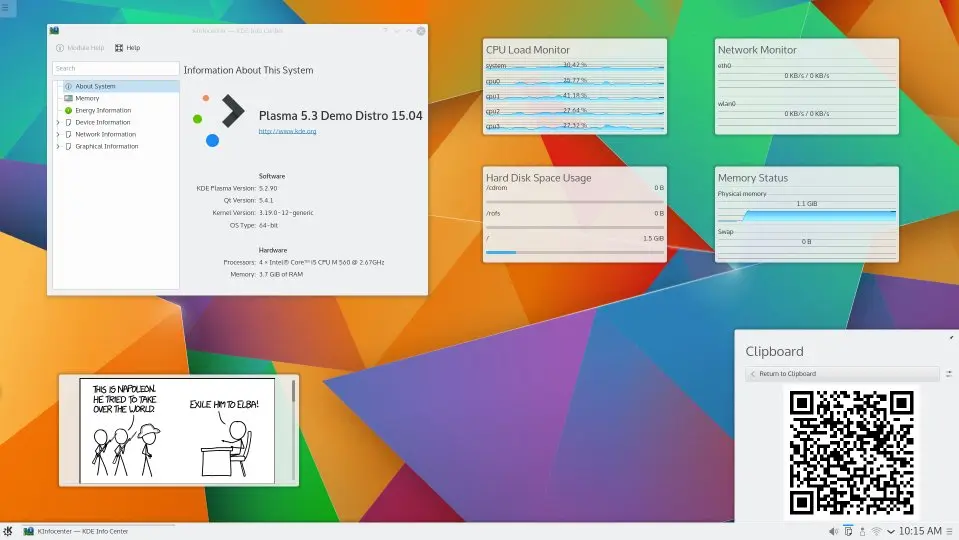
 KDE Plasma 5.3 has been released. We show you how you can upgrade to Plasma 5.3 in Kubuntu 15.04 using the official backports PPA.