Linux is omnipresent, even if you don’t realize it. I have been using Linux as my only OS since 2005 and with every passing year I come to realize that it has much more to offer than I initially, back in 2005, understood. There is something for everyone. In this article, I have picked some of the best Linux distros to help you get the job done.
The most beautiful distro: elementary OS
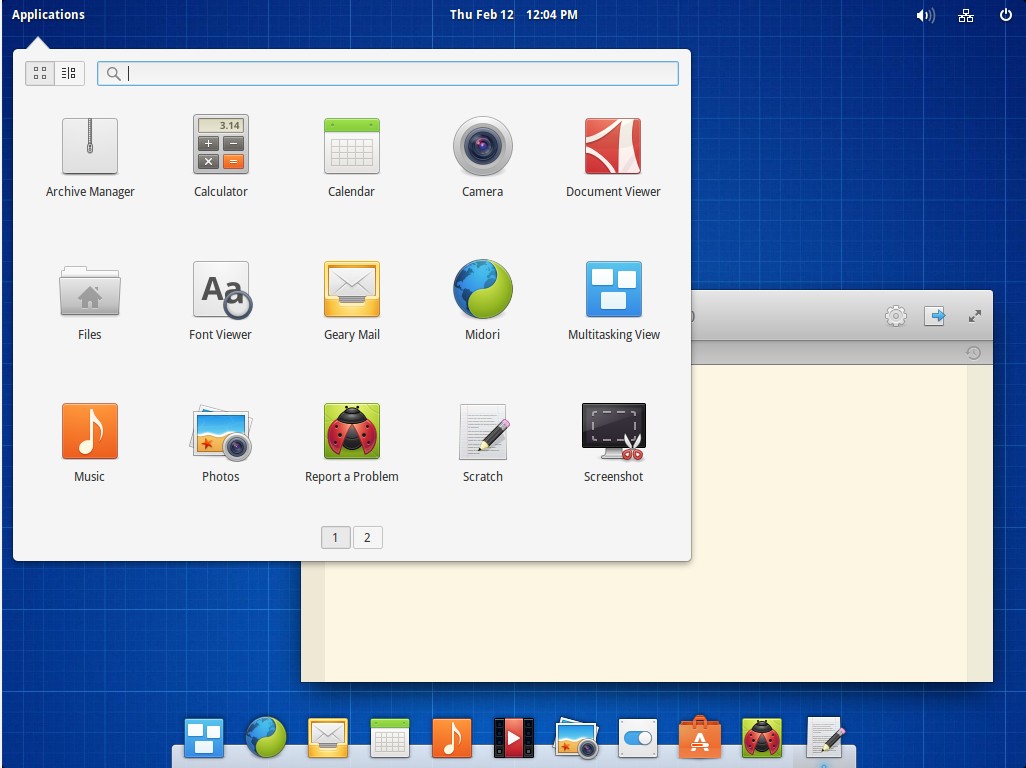
There is there no doubt elementary OS is the most beautiful Linux-based distro. The reason is simple: It is being developed by some of the great designers active in the open source world, so they have taken the design to every nook and corner of the distro.
In order to provide a consistent experience across core apps (such as browser or text editor), they have either created their own applications or picked the ones which fit neatly into their own design philosophy – for example they are using Midori instead of Firefox or Chrome.
Now that does pose some challenges as this browser won’t be able to offer the features that Chrome or Firefox offers thanks to extensions and plugins.
Elementary OS is clearly inspired by Mac OS X; as they have a dock, top panel and applications have buttons at left side; the grey theme also reminded me of my Macbook.
It’s a neat OS to try, which looks aesthetically great and does work out of the box.
Best desktop distro: openSUSE
I spend a majority of my work life on my desktop; it’s a powerful machine capable of doing stuff like video encoding, image editing and regular writing.
I found openSUSE to be the most polished, mature and professional distro around. They take extra pain to integrate the chosen desktop environment with the rest of the OS, so you get a native experience.
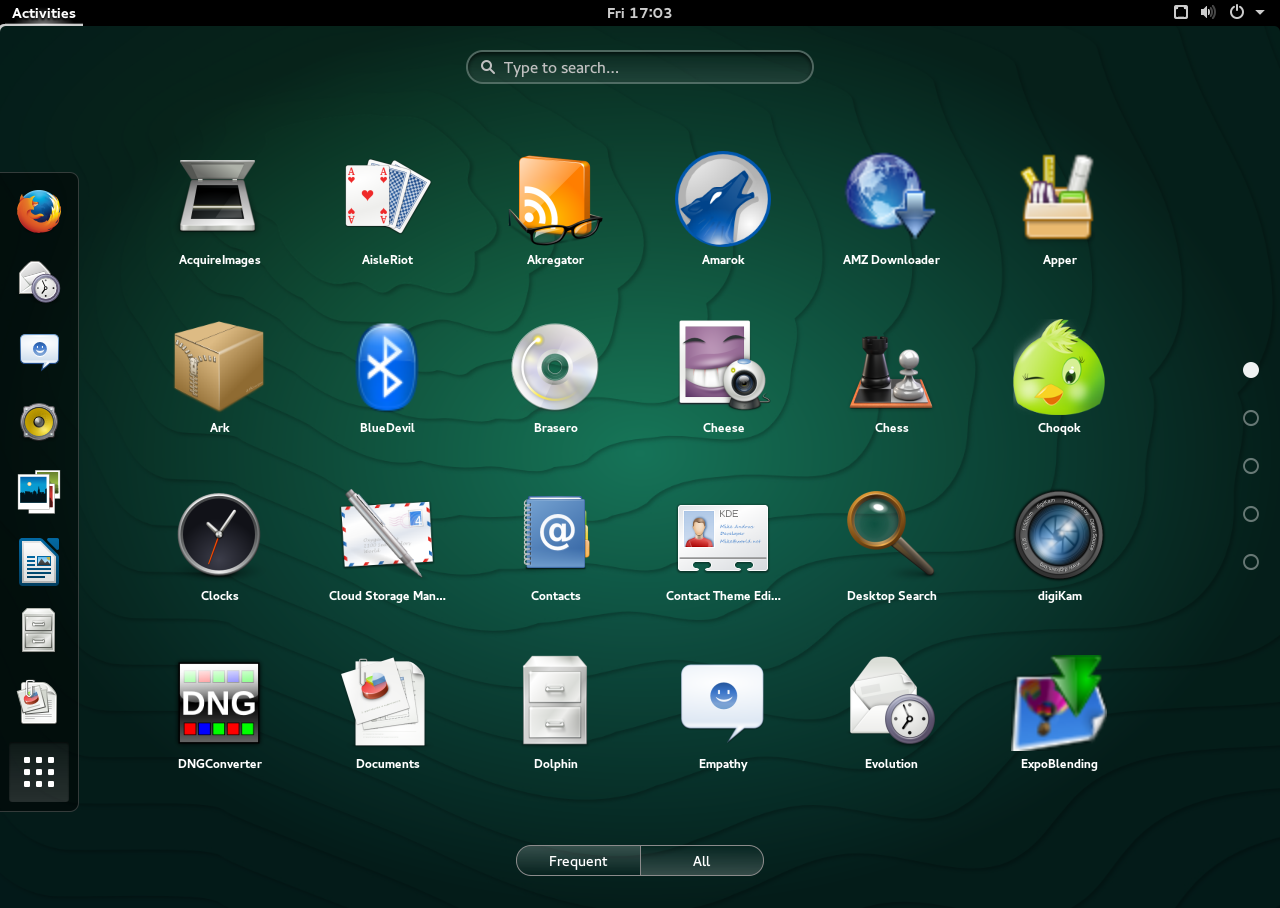
openSUSE has made it extremely easy to install third-party software through their ‘One Click Install’ from software.opensuse.org (I found it easier than manually adding PPAs in Ubuntu). They have a huge repository of software and you are likely to find your software for openSUSE.
openSUSE has a gem of a tool called YaST – it’s like a ‘command center’ of the entire PC and you can control almost every aspect of it.
openSUSE also makes it extremely easy to install multiple desktop environments including – LXDE, Enlightenment, Gnome, Mate, KDE, and Xfce, on the same system side-by-side through YaST.
Best distro for personal server: Debian
If you are running your own server for your own use, Debian is the distro to go for. Debian is known for its rock-solid foundation; nothing could possibly go wrong on a Debian server. Then it’s extremely easy to manage a Debian system and a plethora of information is available through forums.
Best laptop distro: Ubuntu MATE
Laptops, unlike desktop PCs may not be that mighty when it comes to hardware and there are possibilities of proprietary hardware, that’s where Ubuntu MATE does the job the best. Based on Ubuntu, MATE makes it extremely easy to deal with any proprietary hardware.
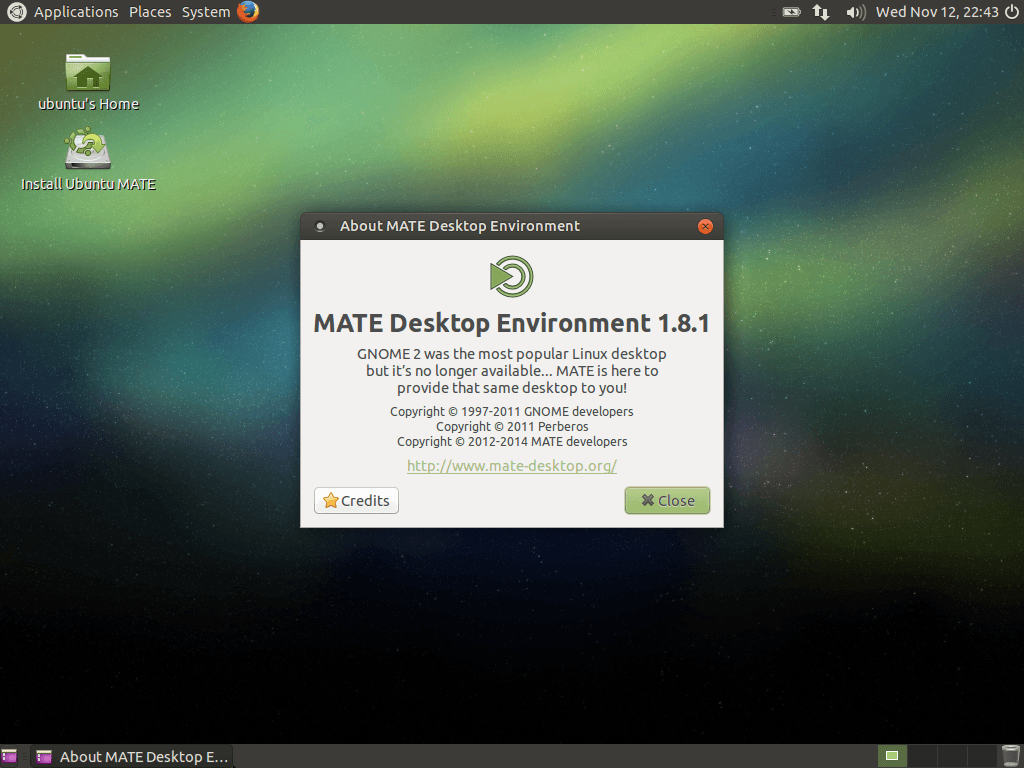
In addition, MATE offers a great balance between performance and using resources efficiently. The interface of MATE is friendly, no learning curve, and looks extremely polished on laptops.
MATE believes in using fewer resources leaving them for your applications, which also translates into better battery life.
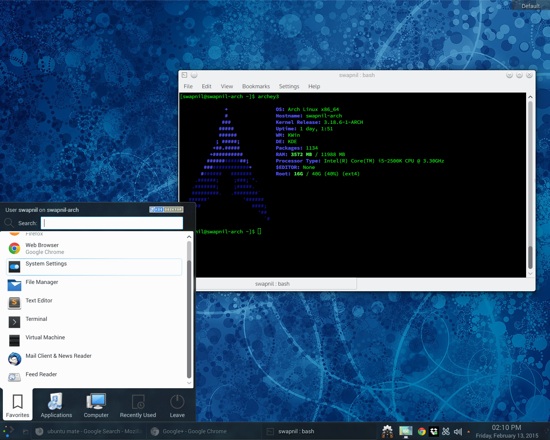
The most customizable distro: Arch Linux
Arch Linux is the best distribution when it comes to picking something which is totally under a user’s control, where the distro plays the reload of a ‘distributor’ without adding its own patches to upstream projects.
When a user installs Arch, they are actually building their entire OS brick-by-brick and choose only those components they need, keeping it sleek and optimized for the job; of course it does require a user to be fully capable of managing Linux distros.
Since it’s a rolling release distro, I call it ‘shoot and forget’; once you install Arch Linux you don’t have to ‘upgrade’ the entire OS every six months. Like Chrome OS, your system is always up-to-date; just keep the ‘pacman -Syu’ fire burning.
The best distro for Raspberry Pi: Snappy Ubuntu Core
Raspbian is the undisputed leader on Raspberry Pis, however the recently announced Snappy Core Ubuntu, which runs on the latest Raspberry Pi 2 is a game changer. With their ‘Chrome OS’-like updates, a user will never have to worry  about keeping their OS updated.
The best distro for kids: Sugar
Sugar is a Fedora-based Linux distro aimed at educators. While there are some other Linux distros for kids, I picked Sugar because it is not just a collection of software for kids, it’s actually backed by a team whose sole goal is to create a platform for education. The project was a collaboration between The One Laptop Per Child, Pentagram, and Red Hat.
The best distro for gaming: Steam OS
Steam OS was designed as Valve Software’s answer to Windows for PC gaming. They created this OS from scratch with gaming in mind. The OS is based on Debian and offers great support for optimizing your GPU for optimal game performance.
Valve is known for taking their time to bake the software before releasing it publicly, so the OS is still in beta stage – because things may break.
The only flip side of using Steam OS compared to some generic Linux, such as Arch Linux, is that Steam OS will format the entire drive, there is no option to choose the partition on which you want to install Steam OS.
The best distro for privacy: Tails
We are heading towards an age where our democratically elected governments (in the US and some European countries) are becoming more and more secretive and citizens are losing all of their privacy rights. In the age of companies mining our data and tracking our online activities maintaining privacy is becoming a game of chess; you have to stay one step ahead.
Tails (The Amnesic Incognito Live System) is the best distro you can get to maintain privacy and anonymity. The OS forces all connection to be routed via Tor and all direct connections are blocked. Since the OS is designed to run as a Live CD there are no ‘traces’ left on the hard drive.
Tails doesn’t need any further recommendation, according to a Der Spiegel article the NSA itself declared it a ‘major threat’ to its mission. That’s the best endorsement of Tails you can get in the 21st century.
The best distro for audio and video production
Linux doesn’t have any of the consumer grade audio video editing software, even if Hollywood pretty much runs on Linux. That said there are many distros targeted at audio/video production. What sets these distros apart from others is that they use different components than those found on traditional desktops. These distros use a real-time or low-latency Linux kernal optimized to handle heavy audio and video work. They also don’t touch PulseAudio, which is fine for desktop but not suitable for audio/video production. Instead of PulseAudio they use JACK.
Two of the most reputable distros for this task are KXStudio and AVLinux. These distros are also known for being extremely lightweight, for obvious reasons – they don’t want to consume your resources; they keep the resources free for your production work. To keep system resources free these distros are picky about their desktop environments – while AVLinux uses the light weight LXDE, KXStudio uses an aggressively stripped down version of KDE.
The best distro for enterprise: SUSE Linux & Red Hat
Red Hat and SUSE are the two giants of the Linux world that have contributed heavily to a majority of open source projects, including the Linux kernel itself. Red Hat has shown prudence and is transforming itself from a client-server company to a mobile-cloud company. While SUSE may be struggling with getting moved around as its owner change (from Novel to Attachmate to Micro Focus), Red Hat is strengthening its position through acquisition (such as Feed Henry) and working closely with other emerging platforms such as OpenStack.
While Red Hat was the first company to register over a billion dollars in revenue through ‘pure’ open source products, SUSE seemed to be struggling for survival under Novell. The NetWare maker was split (just like Sun Microsystems) between their own proprietary solutions which were competing with SUSE’s open source solutions. While SUSE’s Linux market was growing NetWare was becoming a liability. When Attachmate bought Novell they separated SUSE Linux from Novell, making them an independent division to better focus on the Linux market.
Now SUSE is in new hands and we hope that the focus will be more on the Linux side which is a growing market.
Both SUSE and Red Hat are known for the best of the breed talent and extremely professional support system for customers. Even if their sales teams compete with each other to grab customers their developers work together to create and strengthen the backbone of the Linux empire.
The best distro for old hardware: Lubuntu
All of us have old hardware; it is not waste. Linux can breathe new life into this hardware, you can use it as a common PC for the family, or donate to the needy. The million dollar question for this old hardware is: Which OS will work better on it? The answer is simply any distro with and LDXE desktop environment.
Personally, I use Arch Linux on such hardware with LXDE slapped on top of it, but Arch can be a bit tricky for an average user so the best distro that you can get is Lubuntu.
Lubuntu, thanks to its Ubuntu base will work fine on your older hardware. Since there are LTS version of Lubuntu you can install 14.04 on a machine and it will get support for 3 years; no need to upgrade it every six months. If your hardware is in service the next three years you can easily upgrade to the next version without reformatting your system.
Here we’ve looked at Linux distros that take care of almost every computing need we may have. There is something for everyone and that’s not using some “one size may fit all” solution. These distros are optimized for a particular task.
Go ahead make your choice. It’s an open world.

 Red Hat remains very focused on advancing its OpenStack-focused cloud business initiatives. The company Red Hat has now released an update of its OpenStack distribution, marrying its Red Hat Enterprise Linux 6 (RHEL) platform with the latest OpenStack release: Juno. “Red Hat Enterprise Linux OpenStack Platform sets a new standard for OpenStack deployments, with customers in production in every region, spanning industry verticals and enterprises of various sizes in education, financial services, government, healthcare, retail, and telecommunications,” claims the company’s announcement.
 Vivaldi, a new web browser based on Chromium, built by an Opera founder and his team, has just received an upgrade and 32-bit versions for the application, among other things.
 About Jamie Goodyear