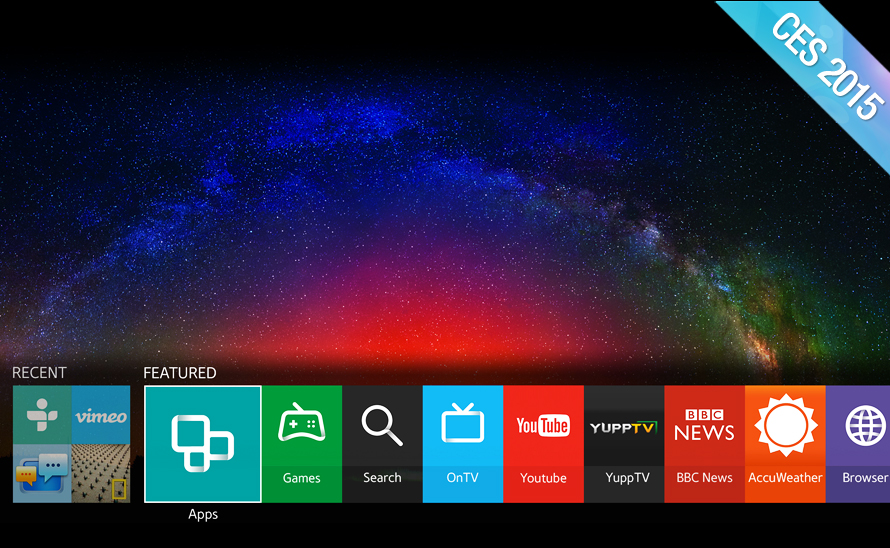
 Each year, as I search through CES product launches to see which run Linux, I get the feeling I’m looking at an iceberg. There are probably a lot more tuxified devices out there than I’ll ever have time to track down. At this year’s Internet of Things-laden show, the list of potentially Linux based gizmos has grown even larger.
Certainly, there are plenty of vendors that openly proclaim their products’ Linux roots (see farther below), but more often vendors keep mum, implying they created the secret sauce all by themselves. Even when you ask, they often don’t tell. It’s easier to identify technology using the Linux-based Android, but now that Android’s cool factor has waned due to its overwhelming success, some vendors even obscure their Android foundations.
Some product categories are easy: A new smart TV? It almost certainly runs Linux or in some cases Android. Media players are typically Android or Linux. A home automation hub or router? Linux is inside about four times out of five. And of course smartphones and tablets are almost always going to be Android.
Other product categories are trickier. Audio equipment such as smart wireless speakers often run on Linux, although most are simpler affairs. Home automation sensor devices, wearables, and other Internet of Things endpoints are more often than not too resource constrained for Linux or Android, but that’s changing, especially with Android Wear and the more advanced sensor devices. Car computers are typically QNX, and to a lesser extent Windows, but Linux and Android are coming on strong.
Semi-autonomous drones and robots are usually APM or ROS-only, but we’re seeing more and more Linux devices, especially among the terrestrial bots. Most of the CES offerings, however, seem to be simpler, non-autonomous devices controlled solely by smartphones.
Here’s a bird’s eye view of what a Linux-seeking hawk might have observed at this year’s CES show in the categories of TVs and home automation, plus a grab-bag of seven highlights from other categories.
Smart TVs
Most so-called smart TVs have run simple Linux builds for years, but their limitations have driven consumers to more capable Linux or Android-based media player boxes, such as the Roku. Now, TV vendors are replacing their dumb penguin brains with smarter, more open distributions, often borrowed from the mobile Linux movement. The platforms provide improved performance and rich UIs, mobile apps, integration and hand-offs with mobile devices, and potentially a role in home automation and gaming.
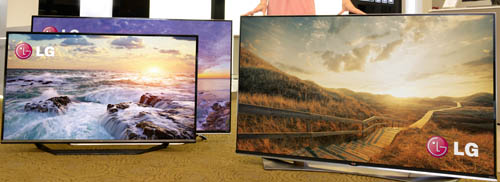
Last year, LG started the trend by shipping its first WebOS-based smart TVs, which proved to be a big success. At this week’s CES LG announced it was launching more WebOS models, including 4K TVs running WebOS 2.0. (LG is also squeezing WebOS into a smartwatch that can unlock Audi cars.)
Then came the unsurprising, but still significant news that Samsung will place Tizen in all its 2015 smart TVs. Better yet, the TVs will interact with a wide variety of mobile devices, not just Samsung models.
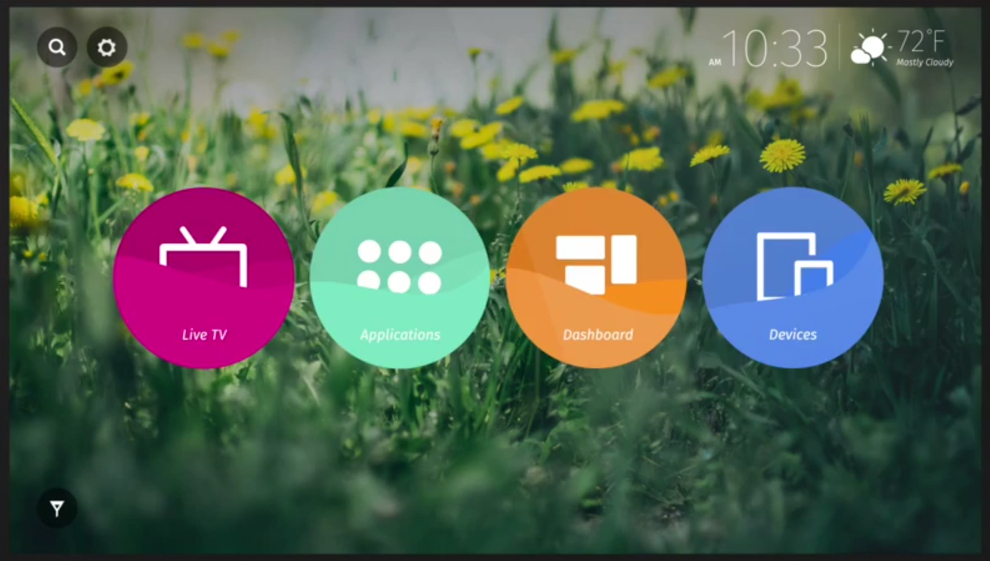 Last year, Panasonic said it was working on a Firefox OS based smart TV, and it’s finally delivering, with four Firefox OS-based Life+Screen Smart TVs due this spring. Meanwhile, the Matchstick startup that will soon ship a $25 Firefox OS-based media player dongle, announced an open source Flint reference platform for building similar devices.
Roku, which is already shipping on TCL and Hisense smart TVs, is now expanding to Haier and Insignia, as well as 4K TVs. The other major player is Google, which has replaced Google TV with Android TV. At CES, Sony, Sharp, and Philips all said they would ship Android TV devices.
Razer announced an impressive looking Android TV game controller called Forge TV. The company also announced plans to release an Open Source Virtual Reality (OSVR) helmet, sort of a more refined version of Google’s Cardboard.
Home Automation
By August of last year, we were able to identify 12 home automation hubs based on Linux. At CES, a few more broke cover, including the Linux-based, AllSeen-compatible D-Link Connected Home Hub and the Android-derived Smart Home Cloud Center from Marvell .
One automation platform that attracted considerable attention at CES was a newly revamped SmartThings Hub. Just before SmartThings was bought by Samsung last summer, a rep confirmed to us its next hub would move from a real-time OS to Linux. Indeed, a SmartThings rep has now confirmed a switch to Linux for the new hub, and noted that “We will be moving to Tizen over time.”
The SmartThings Hub, which ships in the second quarter, has a more powerful processor, backup battery power, and expanded cellular connectivity. It ships with smaller, more power-efficient sensor devices, and supports a number of new third-party devices, including Samsung smart appliances and the Tizen-based Gear S smartwatch.
The new hub will also offer a local app engine and open platform. At the CES keynote, Samsung’s president and CEO, BK Yoon announced that the SmartThings ecosystem would be completely open. “I’m making a promise,” said Yoon. “Our IoT components and devices will be open. We will ensure that others can easily connect to our devices.”
CES also brought us a number of Linux-based smart sensor devices, cameras, and connected appliances that can be controlled by automation hubs. D-Link, for example, announced new WiFi Water Sensor and Wi-Fi Siren devices that connect to its new hub, as well as some security cameras and a baby monitor.
Google’s Nest expanded its third party support to include Philips Hue lightbulbs and LG smart refrigerators, among other devices. Meanwhile, Belkin updated its popular Linux-based WeMo, including water leak, motion, and door/window sensors, as well as a WiFi-to-ZigBee bridge.
7 notables from CES
CES wasn’t only about TVs and home automation gizmos of course. Here are just a few of the many cool product launches at CES that run Linux or Android:
Marvell 3D Printing Kit — Hardware/software kit for OEMs to make Linux-based, WiFi and touchscreen enabled, standalone 3D printers.
D-Link Ultra Series AC5300 router — 802.11ac router with Wave 2 extensions that can achieve a claimed5.3Gbps.
Parrot RNB6 — Android-based aftermarket in-vehicle infotainment system with Android Auto and Apple CarPlay support.
Dell Venue 8 7000 tablet — 6mm thick, Atom Z3500 based Android tablet with 8.4-inch, 2,560 x 1,600 display and Intel RealSense Snapshot Depth Camera.
GE ChillHub refrigerator — WiFi-enabled fridge with Linux, eight USB ports, an open SDK and a FirstBuild developer community.
AscTec Firefly drone — Commercial hexacopter with either an Ubuntu- or Intel Core-based computer and six Intel RealSense depth cameras.
WattUp — Energous’ Linux-based wireless charging device with beam forming for charging devices up to 15 feet away.
Looking for all things Linux may be an eccentric hobby at best. One might argue that what really matters is which products offer the best functionality for the price. Others might say the question should be which offer open source flexibility, a frequent, but not universal, side-car to Linux. Good questions both. In the meantime, we will follow our endless quest: Is that a tux you’re wearing?

 Valve has once again released a statement concerning its planned presentations at the Game Developers Conference (GDC) 2015 event in March, now confirming that the Steam Machines will be “front and center.”
