
NEWS ANALYSIS: The cloud has set in and a new, more distributed environment is controlling the storage landscape.
Read more at eWeek
A new version of Superb Mini Server (SMS), a Slackware-based distribution designed for servers, has been released: “Superb Mini Server version 2.0.7 released (Linux kernel 3.10.41). After almost 8 months we have a new release with LTS 3.10.41 linux kernel, many server upgrades and security fixes, including OpenSSL….
Less than a week after the release of the initial beta, Glen Barber announced the availability of the second beta build of FreeBSD 9.3, the upcoming new version of the project’s legacy branch: “The second BETA build of the 9.3-RELEASE release cycle is now available on the FTP….
RSync or Remote Sync is the Linux command usually used for backup of files/directories and synchronizing them locally or remotely in an efficient way. One of the reasons of why RSync is preferred over all other alternatives is the speed of operation, RSync copies the chunk of data to other location at a significantly faster rate. This is because, whenever Rsync is executed for the very first occasion, it transfers all the data from source to the destination. On the next turn, it would just copy the files/directories whose contents are changed.
Syntax:
rsync [OPTIONS] SOURCE DESTINATIONImportant Options:
-v : indicates Verbose mode which provides detailed information.
-r : indicates Recursive operation, timestamps and file permissions are not preserved
-a : indicates Archive mode,timestamps and file permissions are preserved
-z : indicates Compression, it compresses the data before it is transferred to destination.
-h : indicates Human Readable output format.
Read More at YourOwnLinux.
As I watch the wallpapers of Linux Mint 17 cinnamon I wonder. What is the music that goes along with these images? This gives me the idea that each Linux distribution release could have its own music. A small playlist of creative commons music. I think relaxing, acoustic or very good audiophile recordings are a given choice. Then you probably would want a dedicated way of playing these. Here I’m thinking of a simple toggle button on the panel and a fast key.
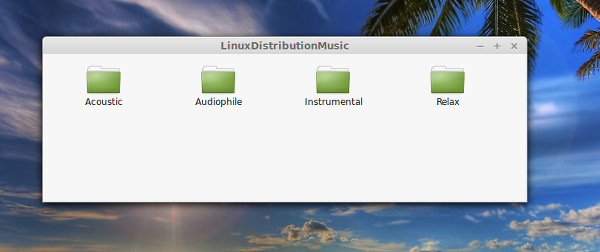
Maybe this could further enhance the Linux experience.