Brian Redmond, Azure Architect on the Global Black Belt team at Microsoft, showed how to build CI/CD pipelines into Kubernetes-based applications in a talk at KubeCon + CloudNativeCon.
Kelsey Hightower, Developer Advocate at Google, kicked off the KubeCon + CloudNativeCon event in Austin with an opening keynote in which he demonstrated Kubernetes’ ease of use with the help of his smartphone. Apart from commending the audience for making Kubernetes the boring-in-a-good-way framework it is today, Hightower also warned about how Kubernetes should not be considered the end game, but a means to an end.
The ability to extend Kubernetes is its secret superpower, said Chen Goldberg, Director of Engineering at Google, speaking at the recent KubeCon + CloudNativeCon in Austin.
In the race to build tools that help engineers become more productive, Goldberg talked about how she once led a team that developed a platform that did just that. Despite the fact the platform initially worked, it was not extensible, and it was also difficult to modify.
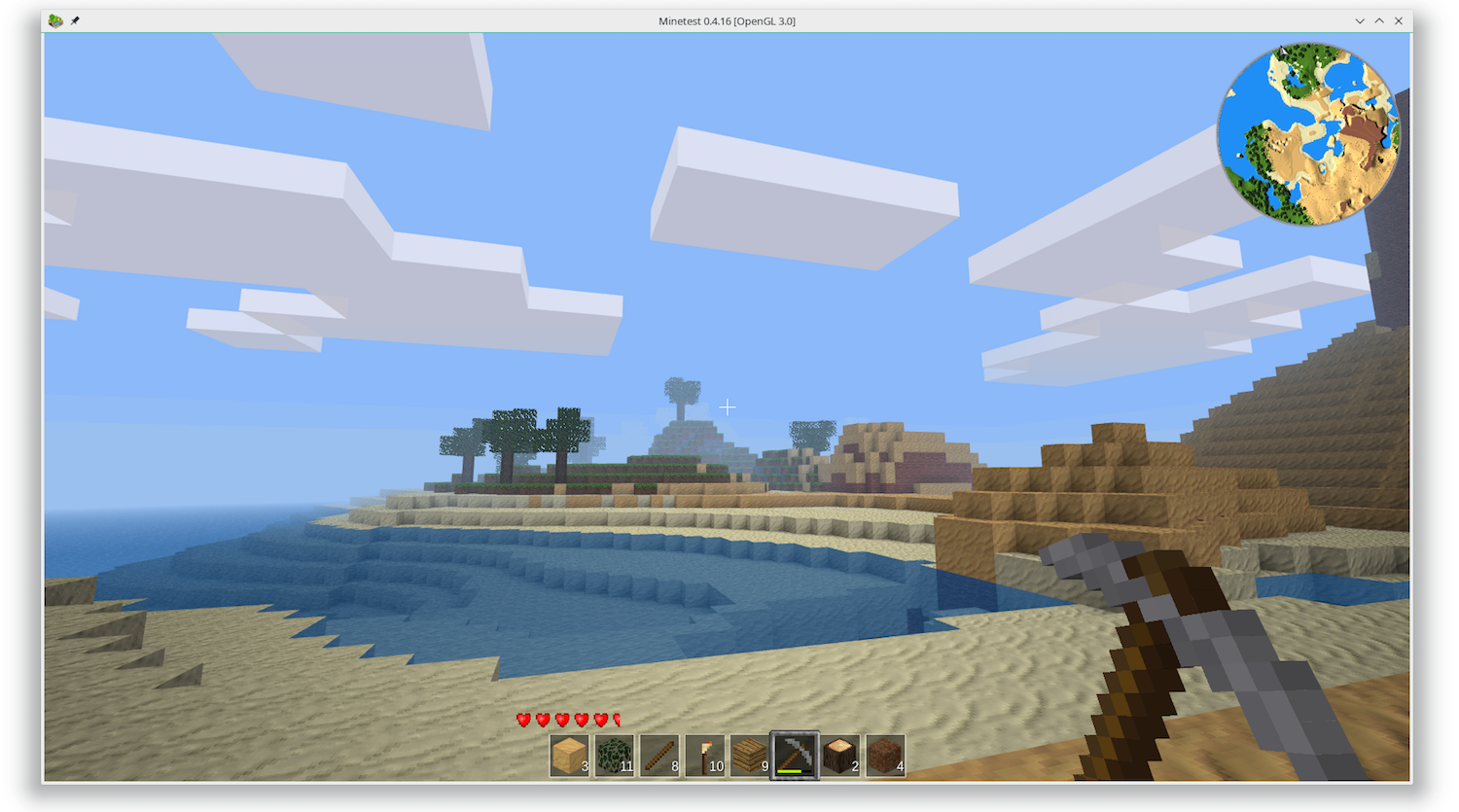
Let’s say you want to run a games server, a server that runs Minetest, a very cool and open source mining and crafting sandbox game. You want to set it up for your school or friends and have it running on a server in your living room. Because, you know, if that’s good enough for the kernel mailing list admins, then it’s good enough for you.
However, you soon realize it is a chore to remember to run the server every time you switch your computer on and a nuisance to power down safely when you want to switch off.
First, you have to run the server as a daemon:
minetest --server &
Take note of the PID (you’ll need it later).
Then you have to tell your friends the server is up by emailing or messaging them. After that you can start playing.
Suddenly it is 3 am. Time to call it a day! But you can’t just switch off your machine and go to bed. First, you have to tell the other players the server is coming down, locate the bit of paper where you wrote the PID we were talking about earlier, and kill the Minetest server gracefully…
kill -2 <PID>
…because just pulling the plug is a great way to end up with corrupted files. Then and only then can you power down your computer.
There must be a way to make this easier.
Let’s start off by making a systemd service you can run (manually) as a regular user and build up from there.
Services you can run without admin privileges live in ~/.config/systemd/user/, so start by creating that directory:
cd mkdir -p ~/.config/systemd/user/
There are several types of systemd units (the formal name of systemd scripts), such as timers, paths, and so on; but what you want is a service. Create a file in ~/.config/systemd/user/ called minetest.service and open it with your text editor and type the following into it:
# minetest.service [Unit] Description= Minetest server Documentation= https://wiki.minetest.net/Main_Page [Service] Type= simple ExecStart= /usr/games/minetest --server
Notice how units have different sections: The [Unit] section is mainly informative. It contains information for users describing what the unit is and where you can read more about it.
The meat of your script is in the [Service] section. Here you start by stating what kind of service it is using the Type directive. There are several types of service. If, for example, the process you run first sets up an environment and then calls in another process (which is the main process) and then exits, you would use the forking type; if you needed to block the execution of other units until the process in your unit finished, you would use oneshot; and so on.
None of the above is the case for the Minetest server, however. You want to start the server, make it go to the background, and move on. This is what the simple type does.
Next up is the ExecStart directive. This directive tells systemd what program to run. In this case, you are going to run minetest as headless server. You can add options to your executables as shown above, but you can’t chain a bunch of Bash commands together. A line like:
ExecStart: lsmod | grep nvidia > videodrive.txt
Would not work. If you need to chain Bash commands, it is best to wrap them in a script and execute that.
Also notice that systemd requires you give the full path to the program. So, even if you have to run something as simple as ls you will have to use ExecStart= /bin/ls.
There is also an ExecStop directive that you can use to customize how your service should be terminated. We’ll be talking about this directive more in part two, but for now you must know that, if you don’t specify an ExecStop, systemd will take it on itself to finish the process as gracefully as possible.
There is a full list of directives in the systemd.directives man page or, if you prefer, you can check them out on the web and click through to see what each does.
Although only 6 lines long, your minetest.service is already a fully functional systemd unit. You can run it by executing
systemd --user start minetest
And stop it with
systemd --user stop minetest
The --user option tells systemd to look for the service in your own directories and to execute the service with your user’s privileges.
That wraps up this part of our server management story. In part two, we’ll go beyond starting and stopping and look at how to send emails to players, alerting them of the server’s availability. Stay tuned.
Learn more about Linux through the free “Introduction to Linux” course from The Linux Foundation and edX.

IPFire, the open-source and free firewall distribution based on the Linux kernel, has been updated today to version 2.19 Core Update 120, a release that adds new features, improvements, and updated components.
IPFire 2.19 Core Update 120 is packed with quite a lot of new features that promise to improve the overall security of the operating system, as well as to increase the performance of various cryptographic operations. For the latter, the new release ships with the OpenSSL 1.1.0 cryptography library, which adds support for new ciphers.
Read more at Softpedia
In today’s world, the basic unit of deployment is a container image. Once you build a container image, it can’t be changed; if you want to update the image you need to rebuild a new version.
When you start a container running, it’s instantiated from a container image, with the file system starting up a duplicate of that image’s contents. It’s certainly possible — in theory — to treat that container as if it were a server in the old-fashioned way of doing things: You could set things up so you could SSH into a container, and apply patches to it. But it’s a much, much better idea to build a new image with the patches and restart the container, for several reasons:
Read more at The New Stack
Software testing is a form of learning. A set of tests can be considered a set of questions. The most obvious question a unit test poses is “Does the code pass?” to which there are two simple answers: yes or no. A test allows us to move from belief to knowledge — for example, to move from merely believing something works to knowing that, in a particular case, it does or does not. Even limiting the scope of testing to just this question and these two answers reveals more than a binary set of possible outcomes:
Read more at Medium
Is Fedora Linux for everyone? No. I recommend Mint or Ubuntu for most users. But, if you’re a Red Hat Enterprise Linux (RHEL) or CentOS user, or an open-source programmer, it’s another story. Then, Fedora should be your first choice.
The Fedora Project is Red Hat‘s community-driven open-source Linux. Fedora is also essentially RHEL’s test bed. As such, it uses cutting-edge software, such as the 4.16.3 Linux kernel. This latest version, Fedora 28, comes in three distinct editions: Fedora 28 Server, Fedora 26 Workstation, and Fedora 28 Atomic Host….
For developers, one of the most interesting of Fedora’s new features is its modular repository.
Read more at ZDNet
In a recent Opensource.com article, Lewis Cowles introduced the find command.
find is one of the more powerful and flexible command-line programs in the daily toolbox, so it’s worth spending a little more time on it.
At a minimum, find takes a path to find things. For example:
find /
will find (and print) every file on the system. And since everything is a file, you will get a lot of output to sort through. This probably doesn’t help you find what you’re looking for. You can change the path argument to narrow things down a bit, but it’s still not really any more helpful than using the ls command. So you need to think about what you’re trying to locate.
Perhaps you want to find all the JPEG files in your home directory. The -name argument allows you to restrict your results to files that match the given pattern.
Read more at OpenSource.com
In 1950, Alan Turing wrote a paper entitled “Computing Machinery and Intelligence.”a He proposed a test in which a human attempts to distinguish between a human and a computer by exchanging text messages with each of them. If the human is unable to distinguish between the two, the computer is said to have passed the “Turing Test.”…
Much has been written about the increasingly sophisticated ability of computer programs to pass the CAPTCHA tests or a variation in which the program sends the image to a human on the Internet who is given some benefit or payment for solving the problem, which is then relayed by the imitating program to the computer program running the CAPTCHA test. This is not merely an amusing game. As computer programs have grown capable of more sophisticated behavior, they are being used to emulate humans to fool less-sophisticated programs into treating computer-generated actions as if they originate from a human. This is an important practical problem because failure to make this distinction may mean malicious programs can register millions of fake identities on an email system for purposes of sending phishingc email messages or making comments on social media Web pages.
Read more at Communications of the ACM