
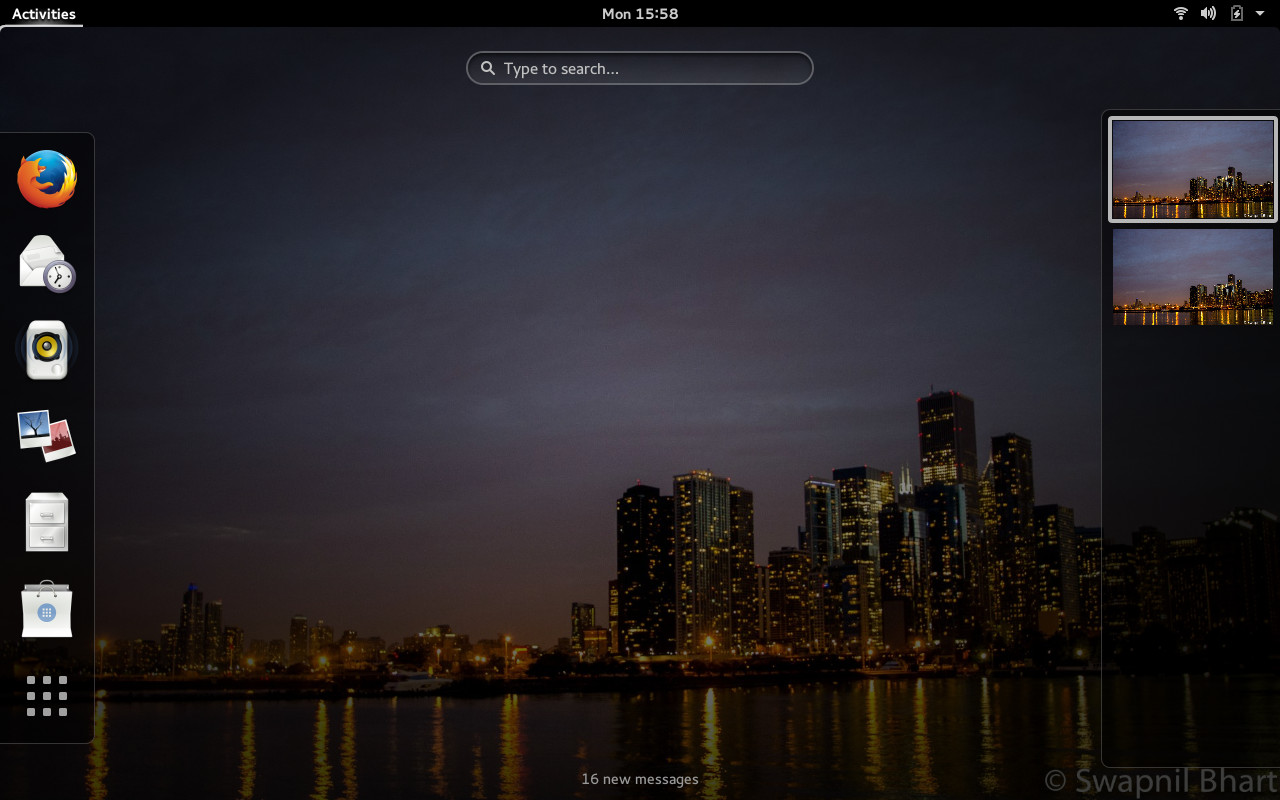
Fedora is among the most respected Linux-based distributions. Known as a bleeding edge operating system it offers the latest technologies at the earliest stages. It’s also known for working with upstream projects instead of patching things downstream.
Fedora displays both qualities due to the fact that Fedora/Red Hat developers are among the leading contributors to many major open source projects, including the Linux kernel; they work for everyone and not just for their own distribution.
Fedora 21 has just been released and I have been playing with the beta for a while. There are now three editions of Fedora: server, workstation and cloud. Since I am using it for my desktop I downloaded and installed the Workstation.
So far I have been impressed with it and find it one of the finest Fedora releases.
Gnome & Fedora: a match made in heaven
Gnome is the default desktop environment for Fedora; not surprising because Red Hat/Fedora are the largest contributors to the project. Fedora is a great operating system to give a glimpse of the latest Gnome technologies.
Being a Linux user since 2005 I wish there was more consistency in regards to software managers. Even if I use the same DE, different OSes offer different software manager tools. Gnome is trying to fix that problem with package management tool they simply call Gnome Software. It can be compared with Ubuntu Software Center. Gnome Software is the most polished, well integrated and the fastest software managers I have seen on operating systems.
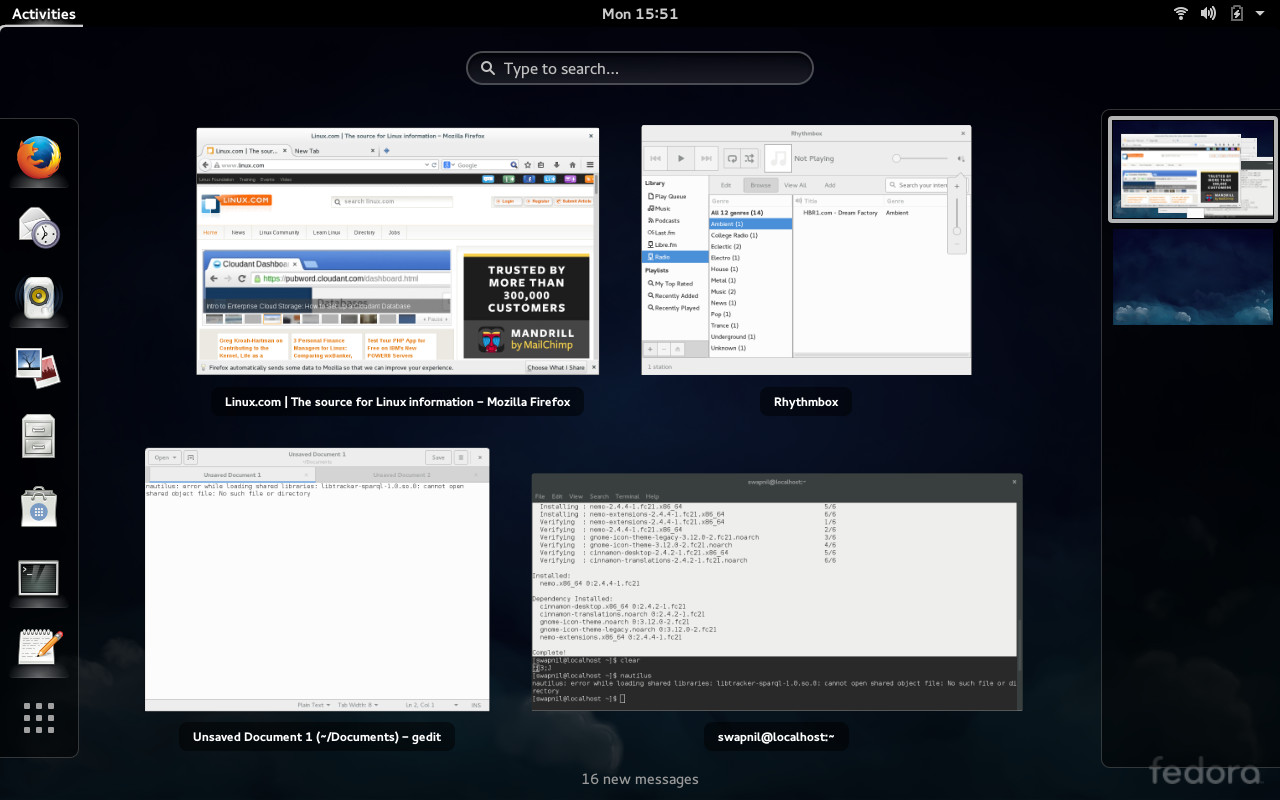
It’s very well integrated with the Gnome Shell; you don’t have to open ‘Software’ to install packages.
I needed to install Gnome Tweak Tool (I wonder why Fedora doesn’t ship it by default) and when I searched for it in Dash, Fedora opened it in Software so I could install it with one click.
I noticed that even if I have third party repositories like RPMFusion enabled, I was not able to install packages from these repositories using Software and had to resort to command line.
Fedora comes pre-installed with almost all major applications including LibreOffice, Firefox, Evolution, Empathy, Gedit, etc. A user is ready to start work as soon as they boot into Fedora. You can easily install any desired application just by searching for it in Dash or using the command line.
Online accounts
When you boot into Fedora one of the welcome screens asks you to connect to the online services like Google, Facebook or ownCloud. That’s another area where Fedora and Gnome excel over other desktop environments.
Gnome will automatically configure Evolution, Empathy, Contact and similar services when a user adds any online account such as Gmail.
Being a Plasma user I have almost given up on KDE’s personal information manager which can be extremely hard to configure. I wish KDE would adopt a similar approach and make it easier to configure such services the way Gnome does.
A developer’s own OS
Fedora is targeting software developers so it features many tools for its audience.
Fedora 21 comes with DevAssistant tool which automates the setup process for a large number of language runtimes and integrated development environments (IDEs).
According to the Fedora press release, the tool also integrates with Fedora Software Collections, offering access to multiple versions of different languages without worrying about system software conflicts.
All major and minor software tools are available for Fedora. It’s certainly an OS targeting hard core developers.
Strolling in the Wayland
Fedora also gives a preview of Gnome running on Wayland. I tried it and everything seemed to work just fine in Wayland.
What’s not so good
While I enjoy everything Gnome, in Fedora there are certain components which are becoming less useful and Nautilus aka Files is one of those. Nautilus removed many useful features expected from a file manager, which lead to its fork Nemo. I always install other file managers on Fedora.
While playing with Fedora I came across a nasty bug. After a system update, Files stopped working; I was not able to open it; I simply installed Nemo to use the system. If you came across the same bug, reinstall tracker to fix it.
sudo yum reinstall tracker
Fedora is known for offering the latest software but the default icon theme of Gnome leaves a lot to be desired. It looks like a desktop straight from the 90s.
Even if there is a huge repository of themes and icons for Gnome, unlike Plasma, Cinnamon or MATE there is no option in Gnome System Settings to change the default theme. It can be really hard to change themes or icons in Gnome compared with competing desktops.
Another desired improvement could be the management of extensions from within the Tweak Tools. Instead of having to open a browser to search and install extensions, one should be able to search and install extensions from the Tweak Tools.
Intimidating installer
Fedora has departed from the traditional click-next or wizard-based installer and created its own hub and spoke model. I found it to be extremely confusing and counterintuitive for a new user.
Lack of a linear path lead to skipping important steps. I failed to create a user for my system because the option to give the root password and create a user account are in the same window.
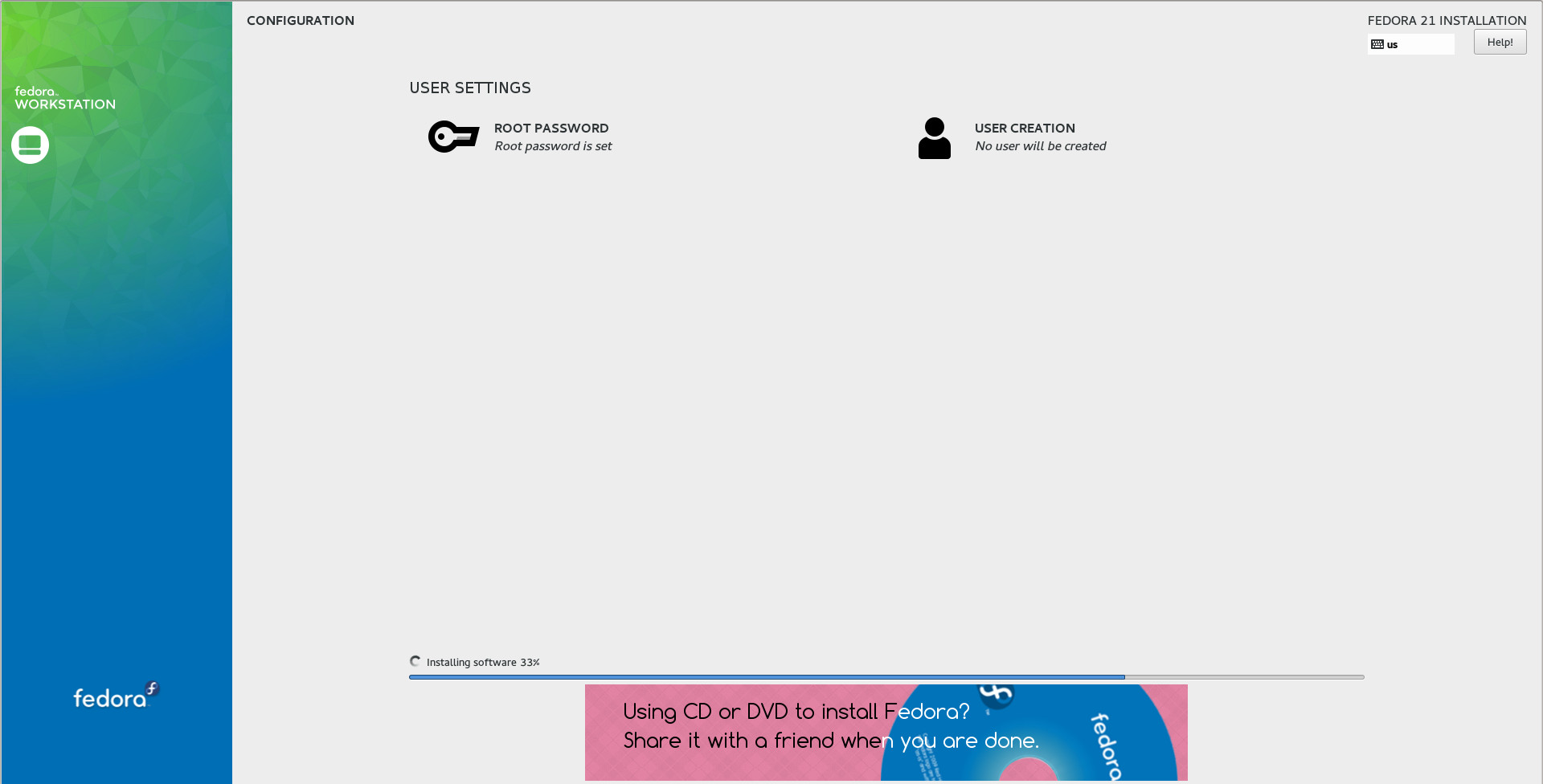
The UI doesn’t seem to be very intuitive. The most important information is pushed at the bottom of the window as a footnote, against a yellow background. I made a mistake and was dumbfounded why the installer was not moving ahead. I realised the footnote was trying to tell me something in the most invisible manner.
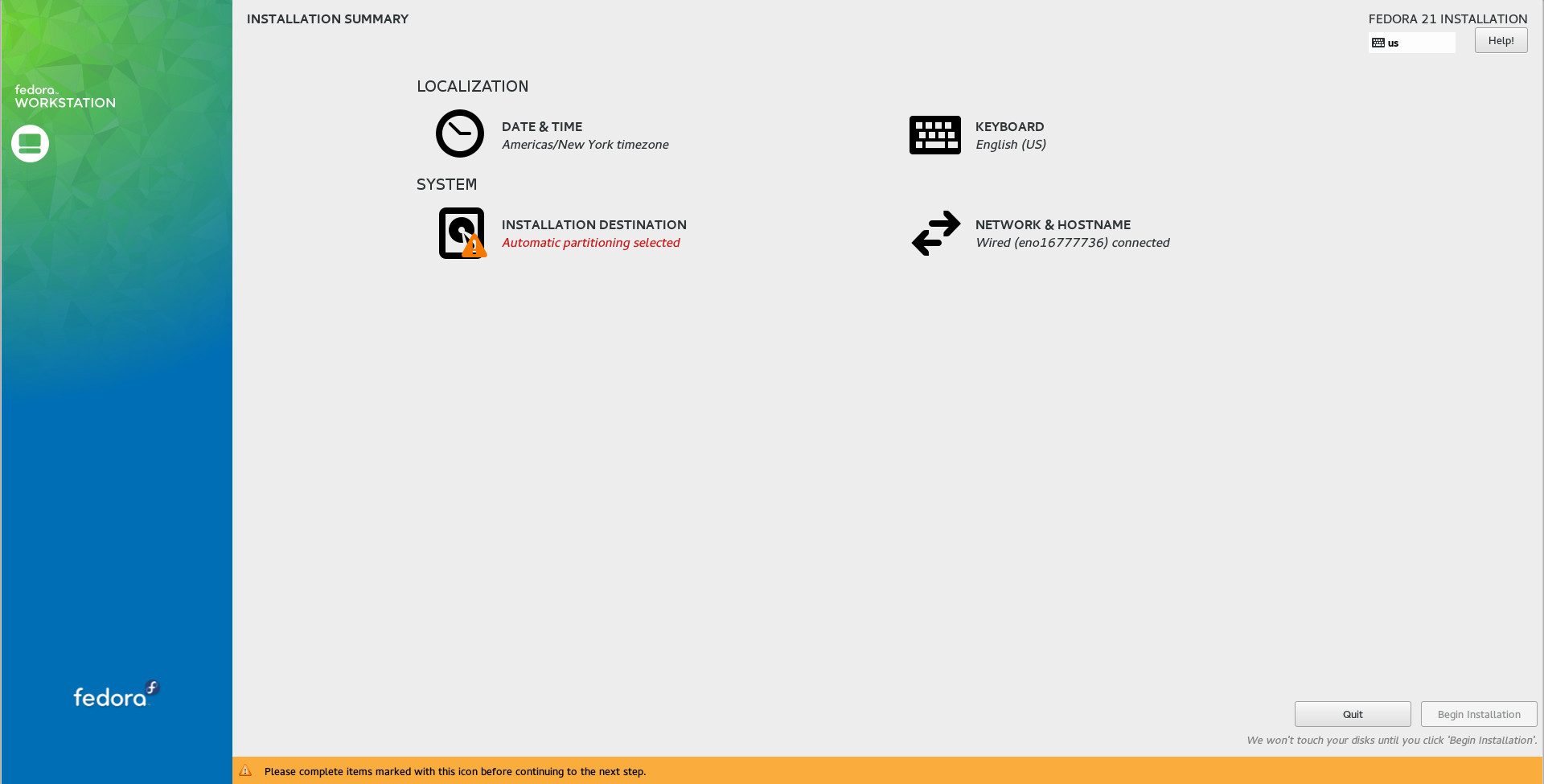
The installer is inconsistent from the beginning to the end. When I chose to ‘Install Fedora’ instead of ‘Trying it’ I should have gotten an option to reboot the system by the end of the install, instead of being thrown into the live session.
I think Fedora developers need to improve the installer and make important information more visible.
Conclusion
Sans the Files bug, I found Fedora 21 to be an impressive release. I was able to get the desired software from RPMFusion. Online Accounts and Software are among the many gems that this community has developed and I wish other DEs adopt a similar approach to make people’s lives easier.
Fedora is undoubtedly a distro more focused towards developers and you will find all the tools that you need. Since Fedora has separated Cloud and Server editions, it makes life easier for everyone. It is possible to choose the appropriate version without having to worry about a system bloated with unnecessary software or having to install a boatload of software to get things moving ahead.
Fedora is certainly a perfect distro for those greenhorn sysadmins who aspire to work on RHEL in the future.
You can download and install Fedora 21 from the official download page and let us know what you think about it.
 Folks in the Big Data and Hadoop communities are becoming increasingly interested in