
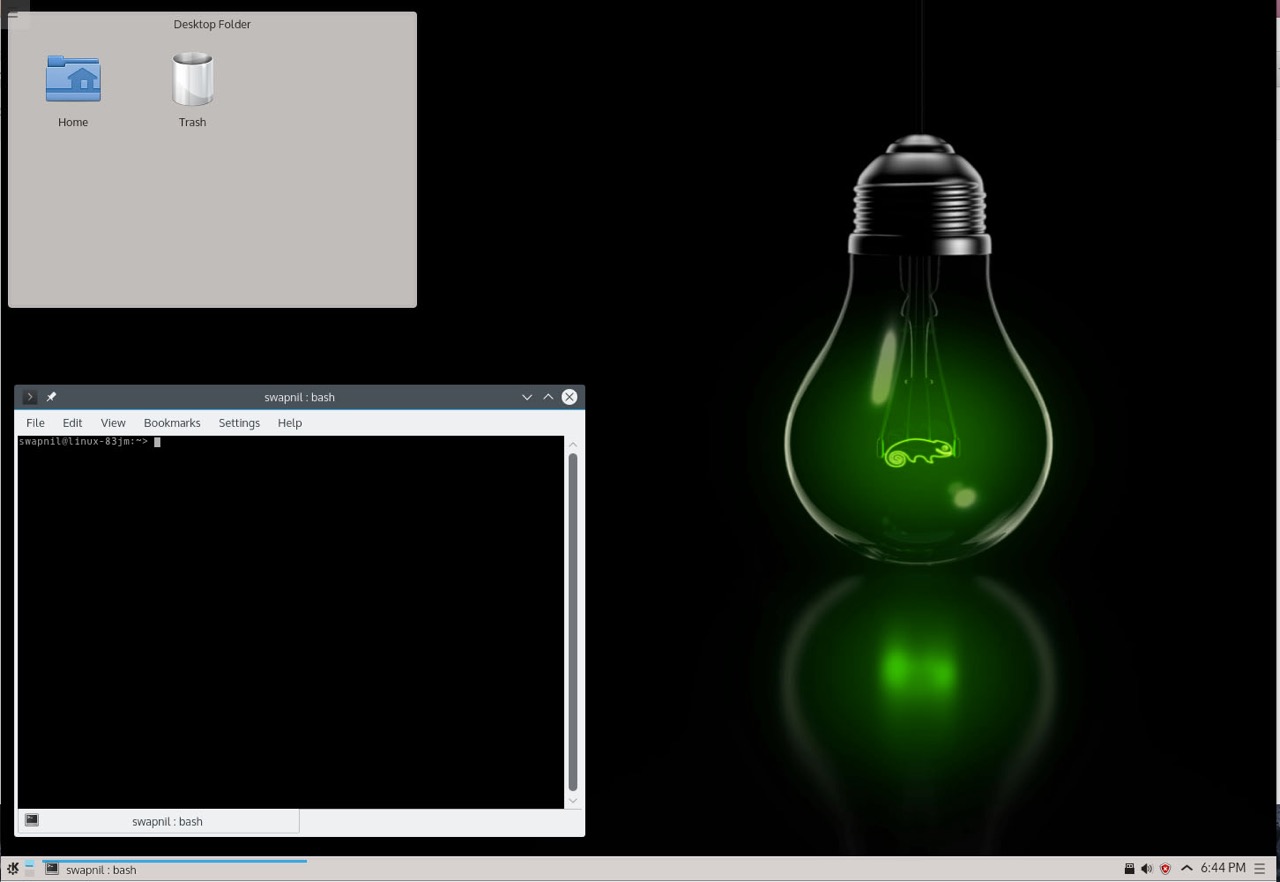
The release last week of openSUSE Leap 42.1 is indeed a giant leap for the openSUSE project, SUSE and Linux users. This release is not only making a huge leap in terms of version numbers; the open source enterprise distribution is making giant leaps in every regard. I have been a longtime openSUSE user and this is the release I have been waiting for all this time. I played with it for a while and here are my thoughts.
When I visited the download page of openSUSE Leap, I was surprised to find that there is no live CD of 42.1. As a result you can’t really use it to test whether it will work on your system or not; the chances are it will work. All you have is the DVD, which you can use to install openSUSE.
When I inquired if there will be an official live CD of Leap, Richard Brown, the chairperson of the openSUSE board told me, “As far as I can be aware, there are no plans for an official LiveCD for Leap, especially not one which includes an installer – previous experience with live CD installers taught us it’s limited compared to what we can do with YaST on either the full DVD media or our tiny network ISO.”
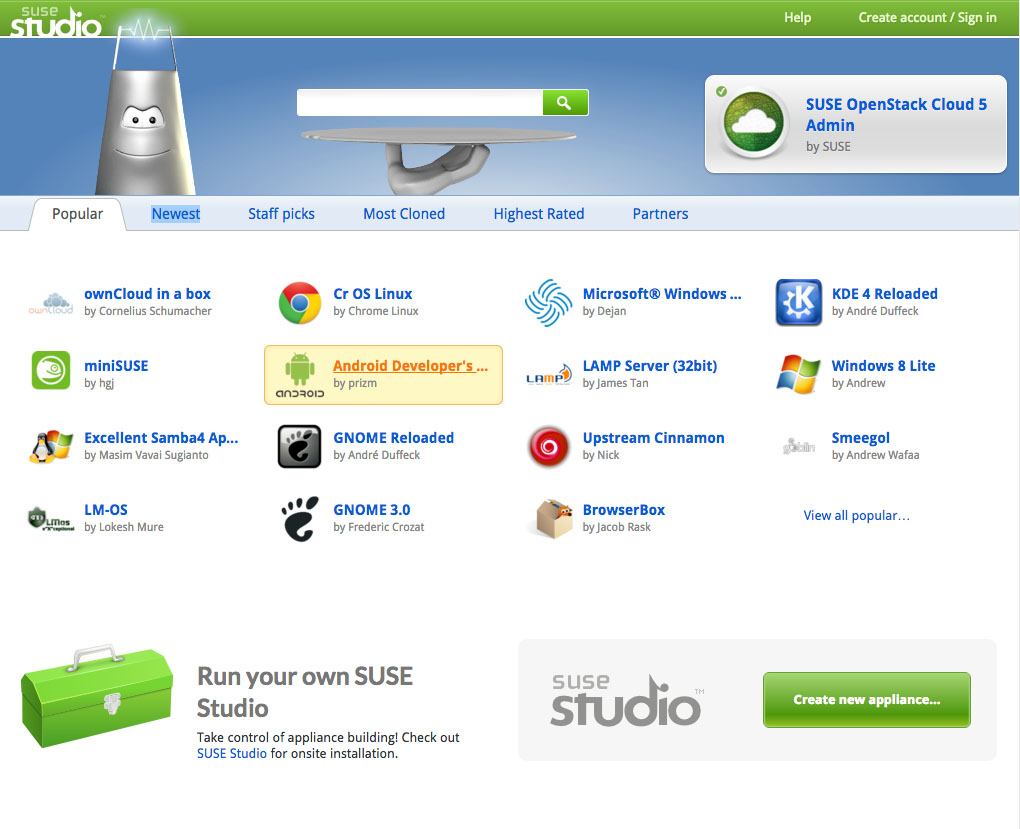
If you do need a live CD of openSUSE Leap, let’s say for demo on a friend’s PC without installing it you can still create one using SUSE Studio, which allows you to create your own distribution by picking and choosing packages and desktop environments.
Brown said, “Support for Leap 42.1 is -already- in SUSE studio and even without Studio people can use KIWI and OBS to build live media, or any other kind of media based on Leap.”
The Installation
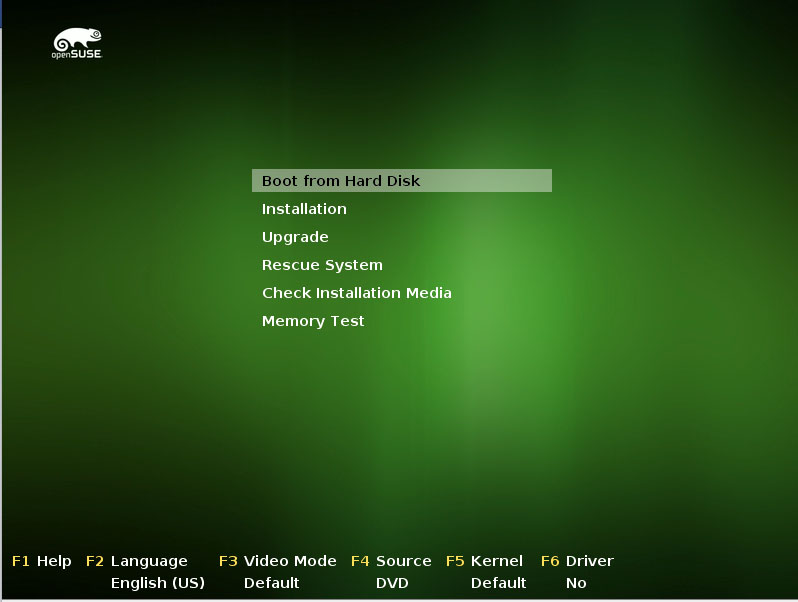 openSUSE has one of the tidiest installation processes. While being easy to use, it also gives you much more control over the installation process compared to other distributions; well, excluding the likes of the uber customizable Arch and Gentoo.
During the installation process you can choose either Gnome, KDE or others and it will install that particular desktop environment (DE). KDE’s Plasma 5 is the default DE of openSUSE. Once installed you will see both KDE ‘4’ and Plasma 5 in the login screen and you can choose whichever one you prefer.
As a longtime Plasma user I heavily suggest moving up the ladder and using Plasma 5. If you find bugs report them; if you find missing features let the developers know.
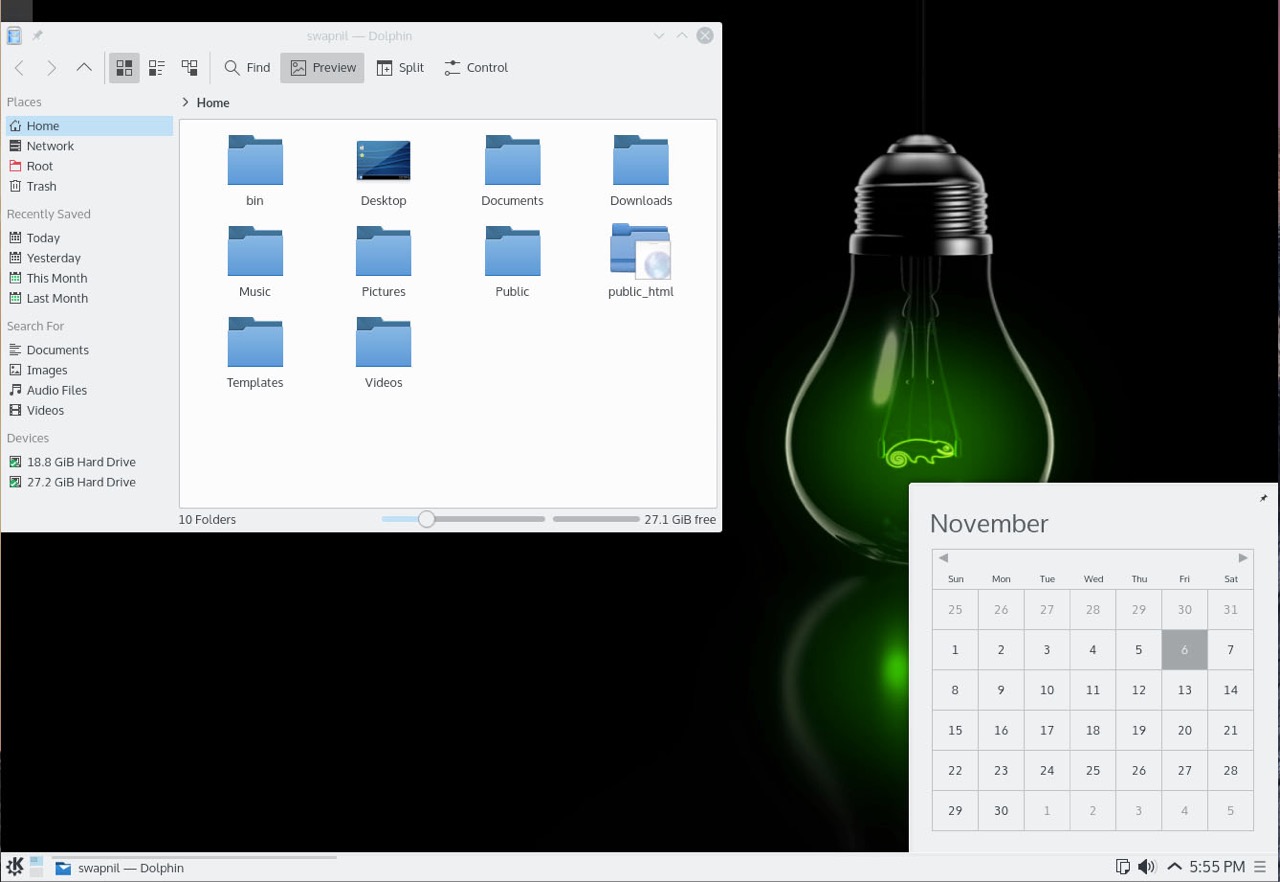
What made openSUSE my preferred distribution back in 2011, when I was looking for an alternative to Ubuntu, was its tight integration with the desktop environment of choice. Whether you use Gnome or Plasma, everything feels in place. openSUSE teams do extra work to better integrate different applications with the desktop. I realized it when I used Arch Linux and ended up using the openSUSE packages for Firefox to get a better experience on Plasma desktop.
It’s upstream: one for all…
openSUSE earned respect in my eyes and became my recommended distro because they work upstream. SUSE/openSUSE developers are also among the top contributors to many open source projects, including the Linux kernel, Gnome, KDE, LibreOffice and many more.
Unlike many other distros which tend to be indifferent towards other distributions, openSUSE’s team has designed tools which support other distros. It’s a rare and quite refreshing experience. Whenever I ask some other distro: Why is your software not available for other distros? Their answer is often “It’s open source, anyone can take it.”
That’s not the case with openSUSE. They have created some very powerful tools such as OpenSUSE Build Service, OpenQA, SUSE Studio, etc. And these tools can be, and are being, used by other projects, including other distros. I have heard (though I couldn’t get any confirmation from Valve) that OBS (Open Build Service) is being used by Valve to build their .deb packages for Steam OS. And Fedora is using OpenQA.
Some words about software
Software management is extremely easy in openSUSE, as usual. You have the powerful YaST, if you like GUI, and zipper, if you prefer the trusted command line. Thousands of third-party packages are available through unmatched ‘software.opensuse.org‘, thanks to OBS. It’s extremely easy to install such packages on openSUSE: you search for the application, choose the version of openSUSE you are running and with one click the application will be installed on your system, no fuss no muss. Clean.
openSUSE Leap is meant to be a mature and stable release, something similar to Debian. It’s based on SUSE Linux Enterprise (SLE) so there is no ‘scope’ for instability; it runs in mission critical environments. As a result, Leap may not always have the ‘latest’ packages.
However unlike Debian Stable it’s not frozen in time. It uses the latest ‘stable’ packages. In most cases you will find the latest packages for Leap. If you are looking at DEs you will get Gnome 3.16.2, Plasma 5.4.2, Mate 1.10, XFCE 4.12.1 with Leap 42.1. If you are looking at applications then you will be running the latest versions of applications. I am running VLC 2.2.1, GIMP 2.8.14, etc. on my Leap machine, which are the latest stable versions.
If you are using Leap for your server or for development work, then there is no dearth of tools for openSUSE, thanks to SLE.
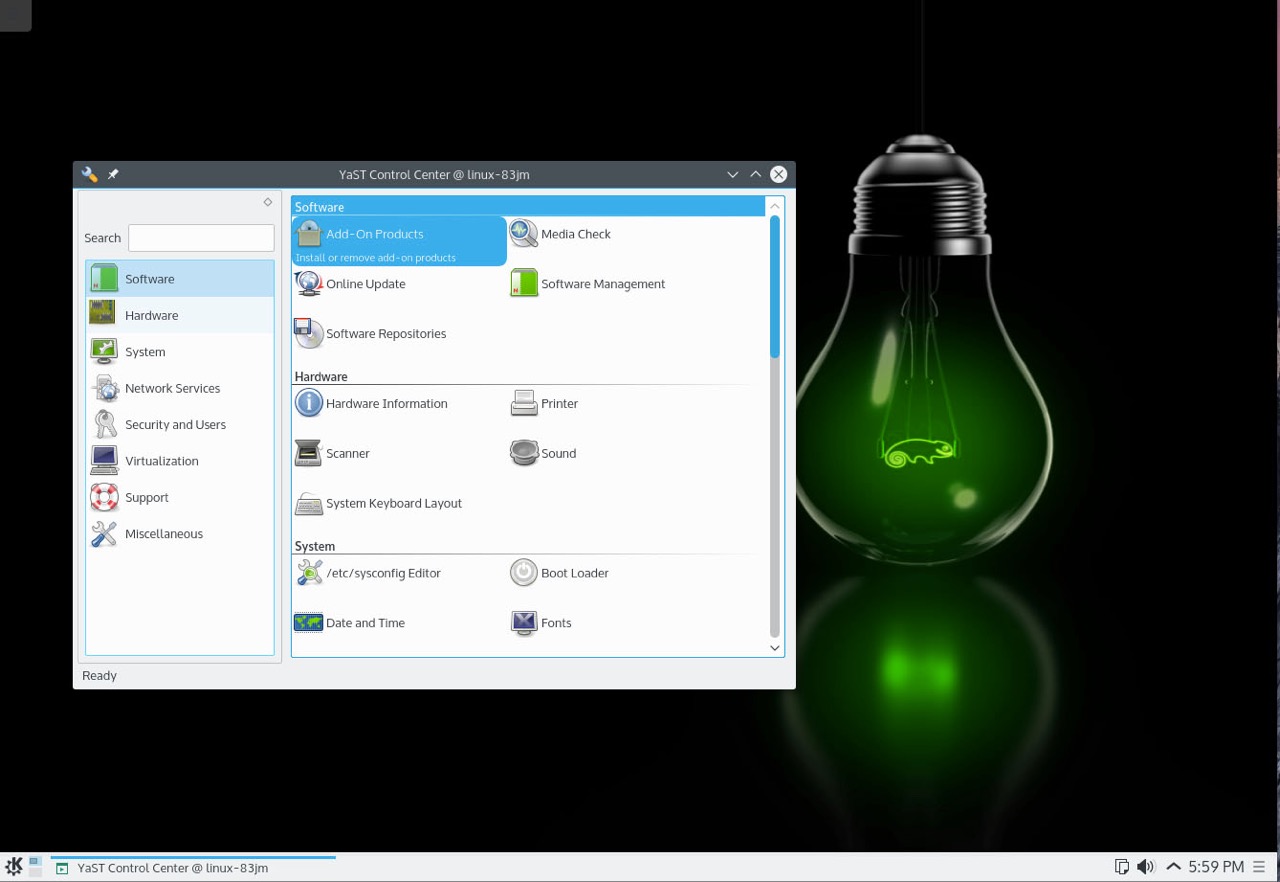
YaST is one of the most precious gems SUSE/openSUSE ever created. This is one tool that every single distro must have. With 42.1 openSUSE offers the exact same version of YaST, AutoYaST and Linuxrc which will come with SLE12-SP1. YaST has changed its code-base and moved to Ruby, and it is gradually being polished.
You can also access extremely powerful system management tools like Machinery.
Conclusion: Take the leap of faith
What makes this release even more important is that with Leap, SUSE and openSUSE have finally come together. With this release openSUSE will start using the same code which is being used in SLE. So technically you are running the ‘community’ version of SLE.
Leap 42.1 is based on the Service Pack 1 (SP1) of SLE 12, which will be released soon. Leap will follow SLE’s release cycle so there won’t be the regular 9-month release, instead a new version of openSUSE Leap will be released when the new version of SLE is due.
openSUSE Leap will get minor release updates which will align with the service packs. Since the openSUSE and SUSE teams are extensively using OpenQA, this is also one of the ‘most’ stable openSUSE releases ever. SUSE has a very strong enterprise presence in Europe and many other markets, now Leap allows potential customers, web hosting providers, and public cloud players to have another option in addition to CentOS and Ubuntu. They can run openSUSE Leap and run an infrastructure closer to SLE. I never ran openSUSE on my servers before and I am going to try it on my home server, replacing Ubuntu.
While I heavily recommend running openSUSE Leap on your servers, it’s now an even better distro to run on your desktop: It offers one of the most ‘mature’ Linux distros. It has a vast repository of software and it offers a great desktop experience due to finer integration with DEs. However, if you are not happy with its conservative approach then you can always try its sibling Tumbleweed, which is a ‘tested’ rolling release distribution.
In any case whether you want a mature and stable OS or a rolling release OS, openSUSE has you covered.
Go ahead take a leap of faith.

 security professionals will soon be very welcome and needed around the world.

 The Curiosity rover has been on Mars since 2012, and it’s been responsible for a lot of the cool and interesting information we got from the Red Planet since then. As it turns out, it’s remotely controlled with a help of a Linux machine from Earth.