We’re announcing the release of Kubernetes 1.5. This release follows close on the heels of KubeCon/CloundNativeCon, where users gathered to share how they’re running their applications on Kubernetes. Many of you expressed interest in running stateful applications in containers with the eventual goal of running all applications on Kubernetes. If you have been waiting to try running a distributed database on Kubernetes, or for ways to guarantee application disruption SLOs for stateful and stateless apps, this release has solutions for you.
StatefulSet and PodDisruptionBudget are moving to beta. Together these features provide an easier way to deploy and scale stateful applications, and make it possible to perform cluster operations like node upgrade without violating application disruption SLOs.
You will also find usability improvements throughout the release, starting with the kubectl command line interface you use so often. For those who have found it hard to set up a multi-cluster federation, a new command line tool called ‘kubefed’ is here to help. And a much requested multi-zone Highly Available (HA) master setup script has been added to kube-up.
Did you know the Kubernetes community is working to support Windows containers? If you have .NET developers, take a look at the work on Windows containers in this release. This work is in early stage alpha and we would love your feedback.
Lastly, for those interested in the internals of Kubernetes, 1.5 introduces Container Runtime Interface or CRI, which provides an internal API abstracting the container runtime from kubelet. This decoupling of the runtime gives users choice in selecting a runtime that best suits their needs. This release also introduces containerized node conformance tests that verify that the node software meets the minimum requirements to join a Kubernetes cluster.
What’s New
StatefulSet beta (formerly known as PetSet) allows workloads that require persistent identity or per-instance storage to be created, scaled, deleted and repaired on Kubernetes. You can use StatefulSets to ease the deployment of any stateful service, and tutorial examples are available in the repository. In order to ensure that there are never two pods with the same identity, the Kubernetes node controller no longer force deletes pods on unresponsive nodes. Instead, it waits until the old pod is confirmed dead in one of several ways: automatically when the kubelet reports back and confirms the old pod is terminated; automatically when a cluster-admin deletes the node; or when a database admin confirms it is safe to proceed by force deleting the old pod. Users are now warned if they try to force delete pods via the CLI. For users who will be migrating from PetSets to StatefulSets, please follow the upgrade guide.
PodDisruptionBudget beta is an API object that specifies the minimum number or minimum percentage of replicas of a collection of pods that must be up at any time. With PodDisruptionBudget, an application deployer can ensure that cluster operations that voluntarily evict pods will never take down so many simultaneously as to cause data loss, an outage, or an unacceptable service degradation. In Kubernetes 1.5 the “kubectl drain” command supports PodDisruptionBudget, allowing safe draining of nodes for maintenance activities, and it will soon also be used by node upgrade and cluster autoscaler (when removing nodes). This can be useful for a quorum based application to ensure the number of replicas running is never below the number needed for quorum, or for a web front end to ensure the number of replicas serving load never falls below a certain percentage.
Kubefed alpha is a new command line tool to help you manage federated clusters, making it easy to deploy new federation control planes and add or remove clusters from existing federations. Also new in cluster federation is the addition of ConfigMaps alpha and DaemonSets alpha and deployments alpha to the federation API allowing you to create, update and delete these objects across multiple clusters from a single endpoint.
HA Masters alpha provides the ability to create and delete clusters with highly available (replicated) masters on GCE using the kube-up/kube-down scripts. Allows setup of zone distributed HA masters, with at least one etcd replica per zone, at least one API server per zone, and master-elected components like scheduler and controller-manager distributed across zones.
Windows server containers alpha provides initial support for Windows Server 2016 nodes and scheduling Windows Server Containers.
Container Runtime Interface (CRI) alpha introduces the v1 CRI API to allow pluggable container runtimes; an experimental docker-CRI integration is ready for testing and feedback.
Node conformance test beta is a containerized test framework that provides a system verification and functionality test for nodes. The test validates whether the node meets the minimum requirements for Kubernetes; a node that passes the tests is qualified to join a Kubernetes. Node conformance test is available at: gcr.io/google_containers/node-test:0.2 for users to verify node setup.
These are just some of the highlights in our last release for the year. For a complete list please visit the release notes.
Availability
Kubernetes 1.5 is available for download here on GitHub and via get.k8s.io. To get started with Kubernetes, try one of the new interactive tutorials. Don’t forget to take 1.5 for a spin before the holidays!
User Adoption
It’s been a year-and-a-half since GA, and the rate of Kubernetes user adoption continues to surpass estimates. Organizations running production workloads on Kubernetes include the world’s largest companies, young startups, and everything in between. Since Kubernetes is open and runs anywhere, we’ve seen adoption on a diverse set of platforms; Pokémon Go (Google Cloud), Ticketmaster (AWS), SAP (OpenStack), Box (bare-metal), and hybrid environments that mix-and-match the above. Here are a few user highlights:
- Yahoo! JAPAN — built an automated tool chain making it easy to go from code push to deployment, all while running OpenStack on Kubernetes.
- Walmart — will use Kubernetes with OneOps to manage its incredible distribution centers, helping its team with speed of delivery, systems uptime and asset utilization.
- Monzo — a European startup building a mobile first bank, is using Kubernetes to power its core platform that can handle extreme performance and consistency requirements.
Kubernetes Ecosystem
The Kubernetes ecosystem is growing rapidly, including Microsoft’s support for Kubernetes in Azure Container Service, VMware’s integration of Kubernetes in its Photon Platform, and Canonical’s commercial support for Kubernetes. This is in addition to the thirty plus Technology & Service Partners that already provide commercial services for Kubernetes users.
The CNCF recently announced the Kubernetes Managed Service Provider (KMSP) program, a pre-qualified tier of service providers with experience helping enterprises successfully adopt Kubernetes. Furthering the knowledge and awareness of Kubernetes, The Linux Foundation, in partnership with CNCF, will develop and operate the Kubernetes training and certification program — the first course designed is Kubernetes Fundamentals.
Community Velocity
In the past three months we’ve seen more than a hundred new contributors join the project with some 5,000 commits pushed, reaching new milestones by bringing the total for the core project to 1,000+ contributors and 40,000+ commits. This incredible momentum is only possible by having an open design, being open to new ideas, and empowering an open community to be welcoming to new and senior contributors alike. A big thanks goes out to the release team for 1.5 — Saad Ali of Google, Davanum Srinivas of Mirantis, and Caleb Miles of CoreOS for their work bringing the 1.5 release to light.
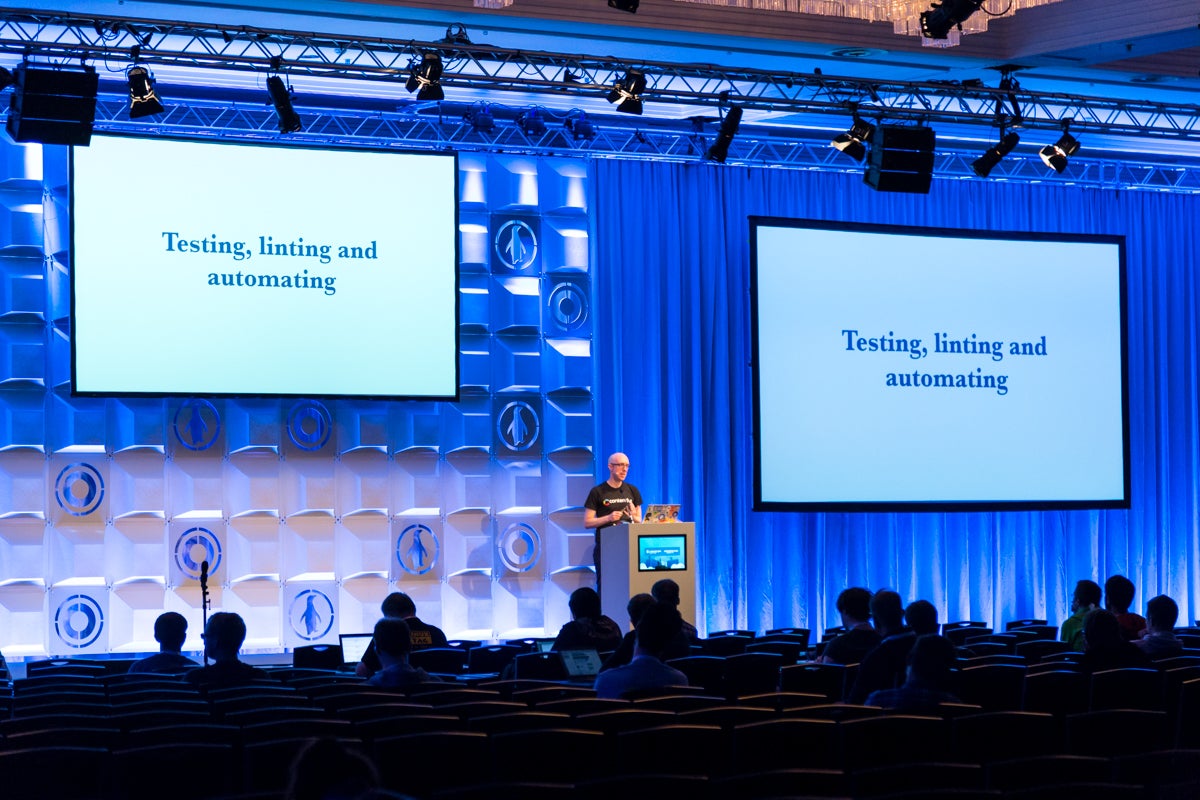
Offline, the community can be found at one of the many Kubernetes related meetups around the world. The strength and scale of the community was visible in the crowded halls of CloudNativeCon/KubeCon Seattle (the recorded user talks are here). The next CloudNativeCon + KubeCon is in Berlin March 29-30, 2017, be sure to get your ticket and submit your talk before the CFP deadline of Dec 16th.
Ready to start contributing? Share your voice at our weekly community meeting.
- Post questions (or answer questions) on Stack Overflow
- Follow us on Twitter @Kubernetesio for latest updates
- Connect with the community on Slack
Thank you for your contributions and support!
— Aparna Sinha, Senior Product Manager, Google
This article originally appeared on the Kubernetes Blog